Take the piano out of any song
Drop a song. Hear 30 seconds free, then download it without the piano, or the piano on its own.
 Your song, one file
- Song without the pianoMP3 · WAV · full lengthEverything else, just as it was recorded.
- The piano on their ownMP3 · WAV · full lengthTo learn the part, or to use in a remix.
Both tracks come from one upload. Download either one, or both in a ZIP.
Pick the part to take out
Drums, bass, piano and vocals come from the same upload, so you can switch between them on the result without paying twice.
- KeptDrumsKit, cymbals, claps
- KeptBassBass guitar, synth bass
- RemovingPianoGrand, upright, electric
- KeptElectric guitarRiffs, chords, solos
- KeptAcoustic guitarStrummed or picked
- KeptSynthPads, leads, keys
- KeptStringsViolin, cello, orchestra
- KeptWind and brassSax, trumpet, flute
Taking out the singing? Use the Vocal Remover.
Hear the song without the piano
The same free song, with and without the piano.
Who plays along without piano
For pianists who want the band, and for anyone who wants the piano part alone.
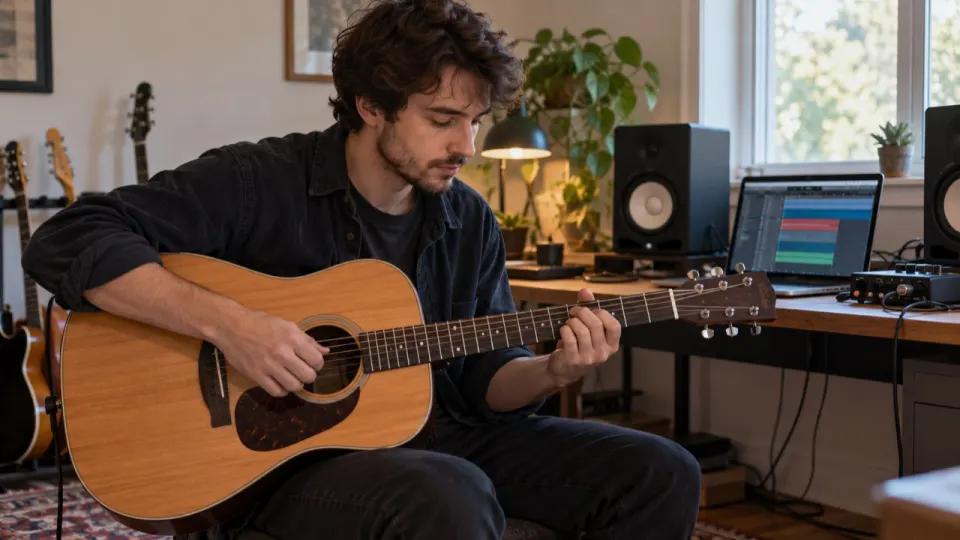
Pianists and keyboard players
Play the piano part over the real recording, or listen to the piano alone to work out the chords.
- Piano only file to learn the voicings
- Same tempo and key as the record
- Bring the piano back quietly as a guide
Singers with an accompanist
Keep the band, take out the piano, and let your own pianist play under you at rehearsal.
- Take out the vocals too, from the same upload
- MP3 for rehearsal, WAV for the stage
- Full length, not just the chorus
How do I remove the piano from a song?
Upload the song, hear it without the piano, download the parts you need.
- aimusicremover.commy-song.mp3Preparing your song100%01~10 s
Upload the song
MP3, WAV, M4A or FLAC, or a music video. Up to 1.5 GB on a computer, 200 MB on a phone.
- aimusicremover.comOriginalNo vocalsVocals onlyVocalsInstrumental02~1–3 min
Hear it without the piano
The first 30 seconds are free. Every part gets its own slider, so you can take out the piano, or two parts at once.
- aimusicremover.comDownload instrumentalMP3 or WAV Both tracks · ZIPmy-song-instrumental.mp303a few minutes
Download the parts
Process the full song and download the mix you set as MP3 or WAV, or every part in one ZIP.
How do I remove the piano from a song?
Upload the song above. We split it into vocals, drums, bass, guitar, piano and the rest, set the piano to 0 and play you the first 30 seconds free. Download the mix as MP3 or WAV, or every part in a ZIP.
Does it work for organ and keyboards?
Mostly for piano. Organ, synth pads and electric keyboards often end up with the rest of the band instead. For synth parts, try the synth remover.
Can I take out the piano and another instrument at once?
Yes. Drums, bass, piano and vocals come from the same upload, so set any two sliders to 0, for example drums and bass for a guitar-and-vocal track. Switching between them costs nothing extra.
Does the piano remover cost more than removing vocals?
No. Every tool is priced by the length of your file, so a 4-minute song costs the same whether you take out the vocals, the drums or the strings.
Does the piano remover work on live recordings?
Yes. Live songs work, but the room echo is shared by every instrument, so you may hear a faint trace of the part you took out. Studio recordings come out cleanest.
What if I still hear some of the piano?
That usually happens when another part plays the same notes as the piano at the same time. Instruments that play loud and alone come out cleanest. If the result isn't good enough, you don't pay for the full song.
How long does the piano remover take?
The 30-second preview usually takes one to three minutes, because the song is split into more parts than for a vocal remover. A full song takes a few minutes more.
Which files can the piano remover open?
Video: MP4, MOV, WEBM and MKV. Audio: MP3, WAV, M4A, AAC, FLAC and OGG. Files can be up to 1.5 GB (200 MB on a phone), 10 minutes long on free minutes and 100 minutes on a paid plan or pack.
What happens to the files I give the piano remover?
For a video, only the sound is uploaded; the picture stays on your device and the new soundtrack is put back there. The separated tracks are deleted after 24 hours without an account, 3 days on free accounts and 7 days on paid ones.
Does the piano remover work on a phone?
Yes, in Safari or Chrome on iPhone and Android, for files up to 200 MB. Nothing to install.
Is the piano remover free?
Yes, you can start free: the first 30 seconds of any file need no sign-up, 3 times a day, and new accounts get 10 free minutes for full files. After that, plans start at $9.99 a month for 200 minutes, or a $9.99 pack of 120 minutes that never expires.
Play the piano part yourself
Hear 30 seconds free. 10 free minutes when you sign up.