Remove music from a video, keep every word
Upload a file. Hear 30 seconds free, then download the result or each track on its own.
Keeps the voice and the room, takes out the song
Is your video one of these?
The same upload, set up for a more specific job.
The song is quiet, under someone talking: a lecture, a tour, a phone clip.
Remove quiet musicCopyrighted musicThe video was muted or claimed and you want to post it again.
Fix a claimed videoVocal RemoverIt is a music video and you want the song without the singer.
Remove vocalsWhat stays, what goes
Your file comes back as three tracks. The video you download has the first two and none of the third.
Café vlog, 0:23 · Music set to 0 · unedited
Music remover examples
Play a clip, switch between the original and the result, and mute any track. Every sample here went through the same remover you are about to use.
Real result, not edited afterwards. The voice and video are AI-generated. Music: “Chill Beat”, Maddy (CC0).
Remove music from video: before and after
The picture, the length and every word stay the same. Only the music leaves the sound.
Which result fits your next edit?
Pick the goal, then set these sliders on your result before you download. You can change them as often as you like.
- Re-upload a claimed videoNo musicMP4, same videoVoice 100 · Effects 100 · Music 0
- Keep the song, just quieterCustom mixMP4, same videoVoice 100 · Effects 100 · Music 20–30
- Subtitles or a transcriptVoice onlyWAV audioVoice 100
- Dub into another languageEffects + musicSeparate audio tracksVoice 0 · Effects 100 · Music 100
- Clean a podcast episodeNo musicWAV or MP3Voice 100 · Effects 50 · Music 0
- Remix in your editorAll three tracksThree files in a ZIPEach track at 100
Made for videos with talking
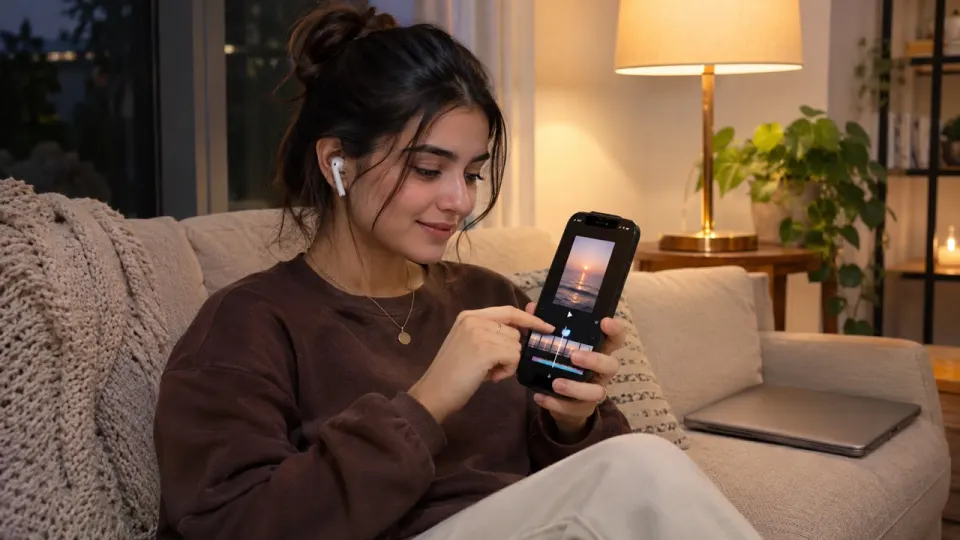
Re-cut with a song you licensed
Take out the track the clip came with, keep every line, then lay in music you are allowed to post.
- Same length as your upload
- Effects kept, so cuts still sound natural
- Music track saved separately for later
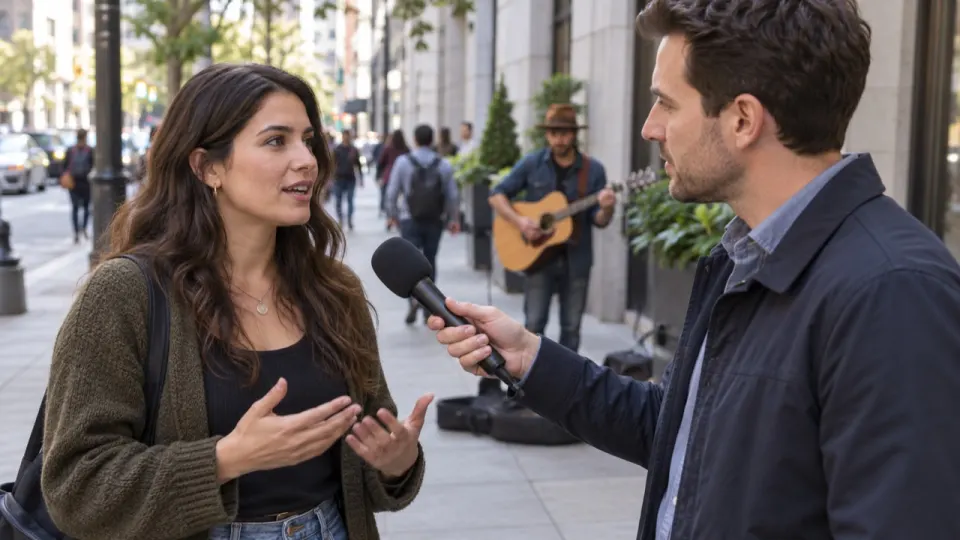
Interviews filmed next to a speaker
Shops, markets and street corners always have music. The answers stay clear, the song goes.
- Background chatter stays in Effects
- Turn Effects down if the street is too busy
- Voice track ready for captions
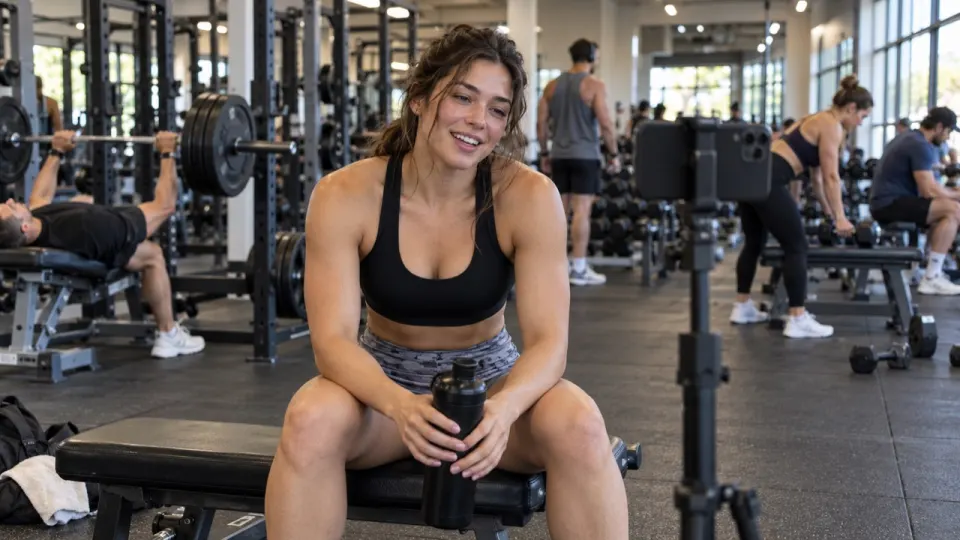
Workout and dance clips
Gym playlists are loud. Max clean takes longer and does better when the song drowns out the coach.
- Pick Max clean for loud songs
- Free second pass if you still hear music
- Download as MP4 for Reels or Shorts
How to remove music from a video
- aimusicremover.comcafe-vlog.mp4 · 412 MBPreparing your video100%01
Upload your video
MP4, MOV, WEBM or MKV, up to 100 minutes. Only the sound is uploaded.
- aimusicremover.comOriginalNo musicVoiceEffectsMusicVoiceEffectsMusic02
Hear 30 seconds free
Play the start with and without music before you spend a minute.
- aimusicremover.comDownload video (MP4)Audio only All tracks · ZIPcafe-vlog-musiceraser.mp4 · 1080p · 3:4203
Download the same video
MP4 with the music gone, plus each track if you want them.
When it doesn't work well
Five cases where you may still hear a trace, and what to do about each one.
- 1Someone in the video is singingThe singing can stay in the Voice track, because it is a voice.Use Remove vocals instead, or keep Music at 0 and accept a trace.
- 2A live band and a speaker share one micThe music bleeds into the voice; expect a faint trace in loud parts.Tap "Still hear music?" for a free second pass, or leave Music at 15%.
- 3A big, echoey roomChurch or gym echo makes the voice sound thinner after separation.Keep Effects at 100: the room tone lives there.
- 4The music is louder than the voiceQuiet words under loud music can sound slightly muffled.Tap "Still hear music?", then raise Voice to 100 and Effects to 70.
- 5The music is an old, crackly recordingIt can be mistaken for a sound effect, so it stays in the Effects track.Download Voice only, or bring Effects down until the song is gone.
0:15 and 0:20: he pauses, and the old record is still playing. It was mistaken for a sound effect, so it sits in the Effects track. The Voice track is clean here: Voice only is the fix.
Music: “Yes Sir, That’s My Baby”, Gene Austin, 1925 (public domain).
Compared with other tools
Facts each site publishes, checked Oct 30, 2026.
| Feature | AI Music Remover | musicremover.ai | LALAL.AI | audo.ai | Kapwing |
|---|---|---|---|---|---|
| Free to try | 30 s without an account, 10 min with one | — | 10 min preview, no download | First 45 s, 3 a day | With sign-up, watermark |
| Keeps sound effects | Own track | Separate "other" track | — | Own track | — |
| Gives the same video back | Yes, looks the same | Voice-only video export | Takes video in; output not stated | Yes | Via the editor |
| Account needed | Only for the full file | — | — | Not for the first 45 s | — |
| How you pay | Packs from $9.99 that never expire, or plans | Plans from $9.90 a month; unused credits roll over | Plans from $7.50 a month; minute packs from $50 | Credit packs from $10 ($5 the first time); no expiry | Plans from $16 a month |
Checked Nov 1, 2026 on each site’s pricing and help pages: musicremover.ai/pricing · lalal.ai/pricing · audo.ai/pricing · kapwing.com/pricing. "—" means the site doesn’t say. Spotted a change? Tell us.
Who removes music from videos
Pick what you make and see how people like you use it.
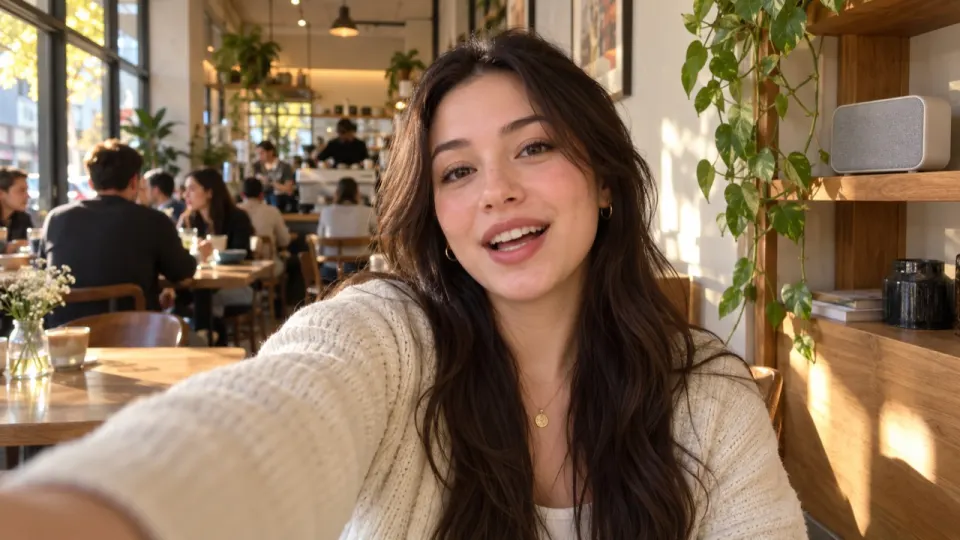
Post the vlog without the café playlist
Shops and cafés play music you cannot post. Take it out, keep what you said and the room around you.
- Same video back, same length
- Sound of the room kept
- Add your own licensed song after
Remove music from video: questions
Something else? Write to us, a person answers within a day.
All questionsHow do I remove music from a video?
Upload the video above. We split the sound into voice, effects and music and set the music to 0. Play the free 30-second preview, then download the same video without the song.
Does removing the music change the picture?
No. You get the same video back, in the same quality and length, and lips stay in sync. Only the sound changes.
Do sound effects stay?
Yes. Footsteps, doors, traffic and applause have their own track and stay in the video at full level.
What if the video still has a little music?
Tap "Still hear music?" under the result. The video runs once more with a deeper pass, at no extra cost.
Can I turn the video's music down instead of off?
Yes. Open Custom mix on the result and set Music to 20 or 30.
Can I download the video's music on its own?
Yes. The result keeps three tracks, voice, effects and music. Download any of them on their own as WAV or MP3, or all three in a ZIP.
Will a video without music avoid copyright claims?
Nobody can promise that. We take the song out of the sound; anything else in the video, and each platform's own checks, are out of our hands.
Is my whole video uploaded?
For a video, only the sound is uploaded; the picture stays on your device. The separated tracks are deleted after 24 hours without an account, 3 days on free accounts and 7 days on paid ones.
Which video formats can I upload?
MP4, MOV, WEBM and MKV, and audio files in MP3, WAV, M4A, AAC, FLAC or OGG, up to 1.5 GB (200 MB on a phone). Videos can be 10 minutes long on free minutes and 100 minutes on a paid plan or pack.
Can I remove music from a video for free?
Yes, for the first 30 seconds of any video, 3 times a day, with no sign-up. New accounts get 10 free minutes for whole videos, no card needed. After that, plans start at $9.99 a month for 200 minutes, or a $9.99 pack of 120 minutes that never expires.
Can I remove music from a video on my phone?
Yes, in Safari or Chrome on iPhone and Android, for files up to 200 MB. Nothing to install.
Your next video, without the song
30 seconds free without signing up. 10 free minutes when you do.