Remove copyrighted music from a video
Take the claimed song out and keep everything you said. Then upload the clean file, or lay in music you are allowed to use.
The song is gone, the commentary and game sound stay
Not a claimed video?
This page is for a video a platform muted, blocked or claimed. For other jobs, one of these fits better.
From a claimed video to one you can post
Four steps. The first and the last happen on the platform; we do the middle.
- 1Find which song it was
The claim or mute notice on the platform names the song and where in the video it plays.
- 2Take the song out here
Upload your original file. Voice and sound effects stay, the music goes.
- 3Add music you may use
Lay in a track from a free library or one you licensed, or leave it with no music.
- 4Post it as a new video
Upload the clean version. The old one keeps its claim; removing music does not change it.
What this can and cannot do
It can
- Take the song out of your own video file
- Keep every word and the sound of the room
- Give you the same video back, same length
- Let you keep a quiet version of the song if you have the rights
It cannot
- Promise that a platform will not claim the new upload
- Remove a claim from a video already posted
- Make a song you do not own safe to use
- Change anything other than the sound
Where the claimed song usually comes from
Most claims are for music nobody chose: it was just playing while the camera ran.
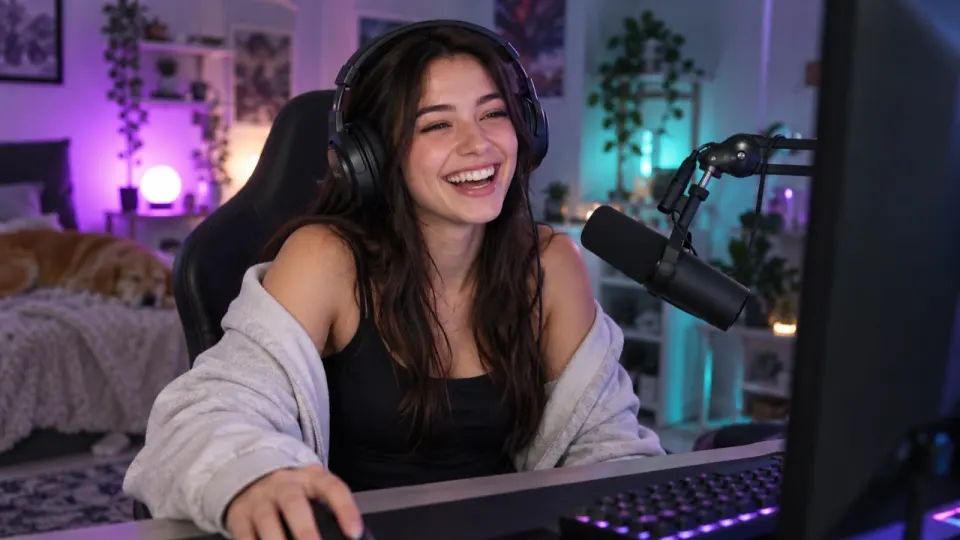
Music on while you play or talk.

The broadcast music behind your cheering.
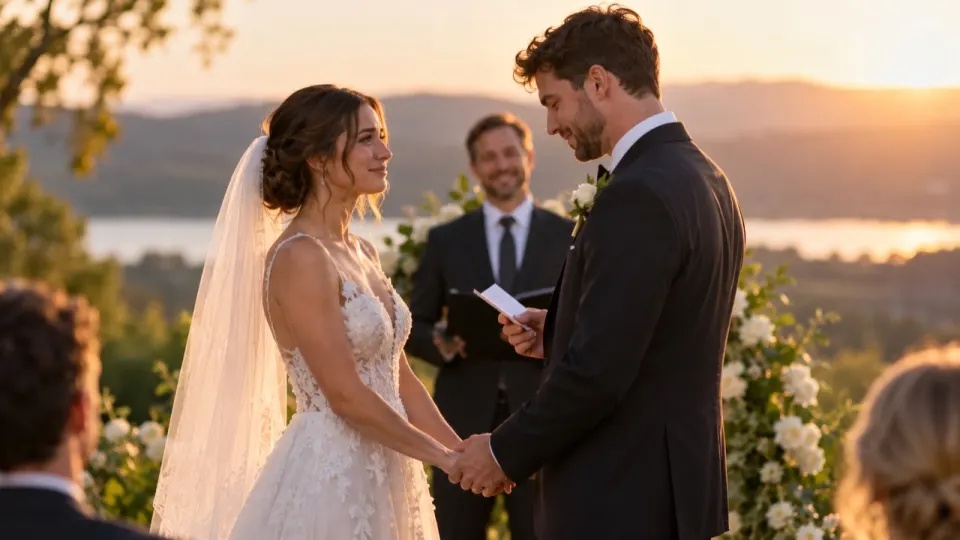
The DJ behind the speeches.
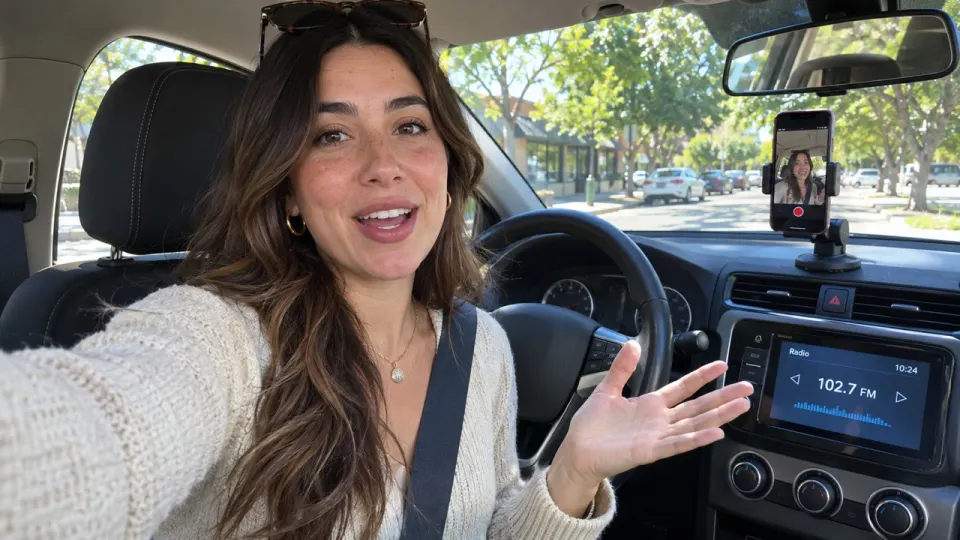
Whatever station was on while you filmed.
Before and after: a stream highlight
The commentary and the game sound stay. The song playing on stream is gone.
Music you can put back in
Free libraries made for videos. Check each track's own licence before you post.
Free songs and sound effects inside YouTube Studio.
FreePixabay MusicFree tracks for videos, no sign-up to listen.
FreeFree Music ArchiveSongs under Creative Commons licences. Read the terms per track.
FreeA song you bought a licence for, from any stock music site.
PaidWhat each platform does with a song
In general terms. Each platform's own help page has the details.
- YouTube
A claim can put ads on your video, block it in some countries or mute the part with the song.
- TikTok
A video with a song it cannot clear may be muted or limited.
- Instagram
Reels and stories with some songs can be muted or blocked in some places.
- Twitch
Parts of a saved stream with copyrighted music can be muted.
Before you post it again
- Play the whole videoListen to the quiet parts too. A song can play twice in one video.
- Use "Still hear music?"A free deeper pass if a trace is left.
- Add only music you may useA free library track or one you licensed.
- Upload it as a new videoThe old upload keeps its claim.
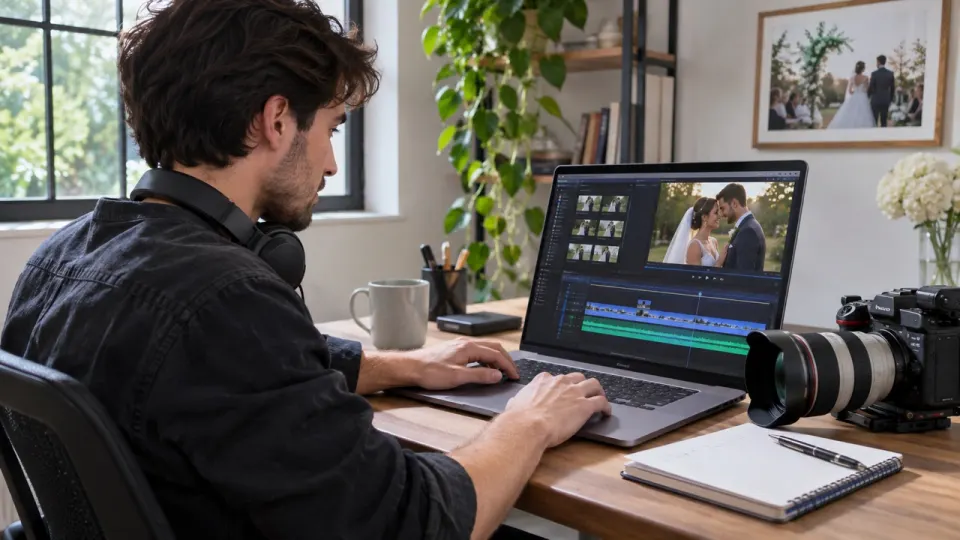
How to remove copyrighted music from a video
- aimusicremover.comcafe-vlog.mp4 · 412 MBPreparing your video100%01
Upload your video
MP4, MOV, WEBM or MKV, up to 100 minutes. Only the sound is uploaded.
- aimusicremover.comOriginalNo musicVoiceEffectsMusicVoiceEffectsMusic02
Hear 30 seconds free
Play the start with and without music before you spend a minute.
- aimusicremover.comDownload video (MP4)Audio only All tracks · ZIPcafe-vlog-musiceraser.mp4 · 1080p · 3:4203
Download the same video
MP4 with the music gone, plus each track if you want them.
Who fixes claimed videos
Pick what you post and see how people like you use it.
Post the highlight without the playlist
Streams pick up whatever is playing. Take the song out of the highlight, keep your commentary and the game.
- Commentary at full level
- Game sound kept
- Same video back, same length
Copyrighted music: questions
Something else? Write to us, a person answers within a day.
All questionsHow do I remove copyrighted music from a video?
Upload your original video above. We set the music to 0 and keep the voice and sound effects. Play the free 30-second preview, then download the same video without the song.
Will this stop a copyright claim?
No tool can promise that. It takes the song out of your file; what else is in the video, and what each platform decides, is up to them.
Does it fix a video I already posted?
No. It gives you a new file. Upload the clean version as a new video; the old one keeps its claim.
Will YouTube still detect the song?
We take the song out of your file. A trace in a loud part can still be heard; play the whole video and use "Still hear music?" if you hear one.
Can I keep the song quieter instead?
You can set Music to any level, but a quieter song is still the same song. Only keep it if you have the rights.
Where can I find music I am allowed to use?
Free libraries like the YouTube Audio Library and Pixabay Music, or a song you licensed. Check each track's own licence.
Will the new upload look the same?
Yes. Same picture, same length, lips in sync. Only the song is taken out of the sound.
Can I keep the copyrighted song as a separate file?
Yes. The music downloads as its own track, next to voice and effects. Only use the song where you have the rights.
Do you keep a copy of my video?
Never of the picture: from a video, only the sound is uploaded. The separated tracks are deleted after 24 hours without an account, 3 days on a free account and 7 days on a paid one.
Can I remove copyrighted music for free?
Yes, you can start free: check the first 30 seconds of any video, 3 times a day, with no account. To download the whole video, sign up for 10 free minutes, no card needed. After that, plans start at $9.99 a month for 200 minutes, or a $9.99 pack of 120 minutes that never expires.
Which video files work?
MP4, MOV, WEBM and MKV from a camera, phone or editor export, and MP3, WAV, M4A, AAC, FLAC or OGG audio, up to 1.5 GB (200 MB on a phone). Videos can be 10 minutes long on free minutes and 100 on a paid plan or pack.
Take the song out. Post it again.
30 seconds free without signing up. 10 free minutes when you do.