Voice isolator: just the voice, nothing around it
Music, traffic, chatter and room sound come out. You get a clean voice track, or the same video with only the voice in it.
Only the teacher's voice is left
Want to keep more than the voice?
The voice isolator takes everything else out. If the room or the effects should stay, use one of these.
Voice only, or a little room sound
Voice at 100, Effects and Music at 0. A voice with no room around it can sound flat: bring Effects to 20 or 30 to keep a little of it.
Download the voice as WAV or MP3, or the same video with only the voice.
Before and after: a lecture recording
Chairs, coughs, the projector fan and the music before class are gone. The speaker stays.
Voice isolator or noise reduction?
They sound similar but do different jobs.
| Voice isolator (this page) | A noise reduction filter | |
|---|---|---|
| Takes out music | Yes | No, music stays |
| Takes out traffic, crowds, rooms | Yes, all of it | Steady hum and hiss only |
| Keeps the voice unchanged | Yes, it is separated, not filtered | It can change the voice |
| Lets you keep a little of the room | Yes, with the Effects slider | Only by turning it down |
Where people need only the voice
Four recordings that come out clearer with nothing around the speaker.

A big room, a far microphone.
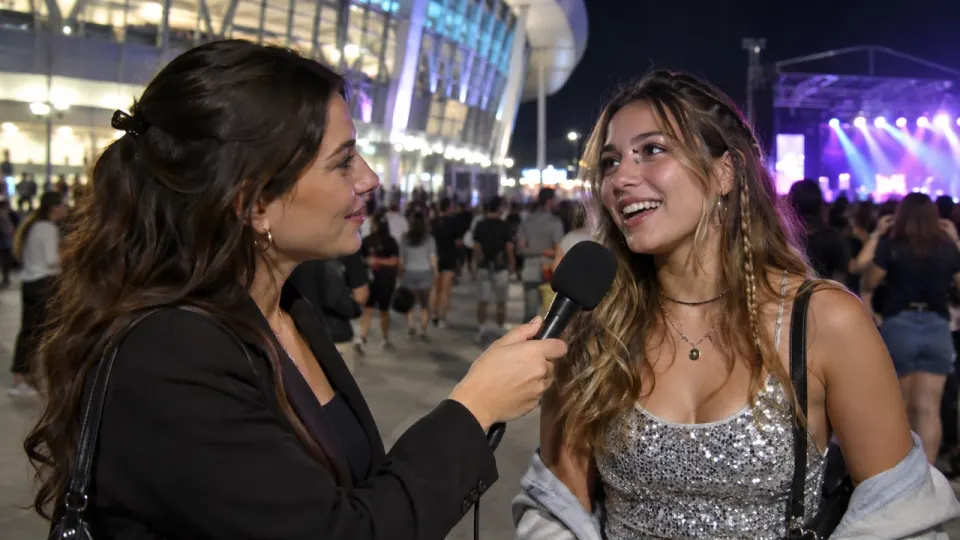
Traffic and wind behind every answer.
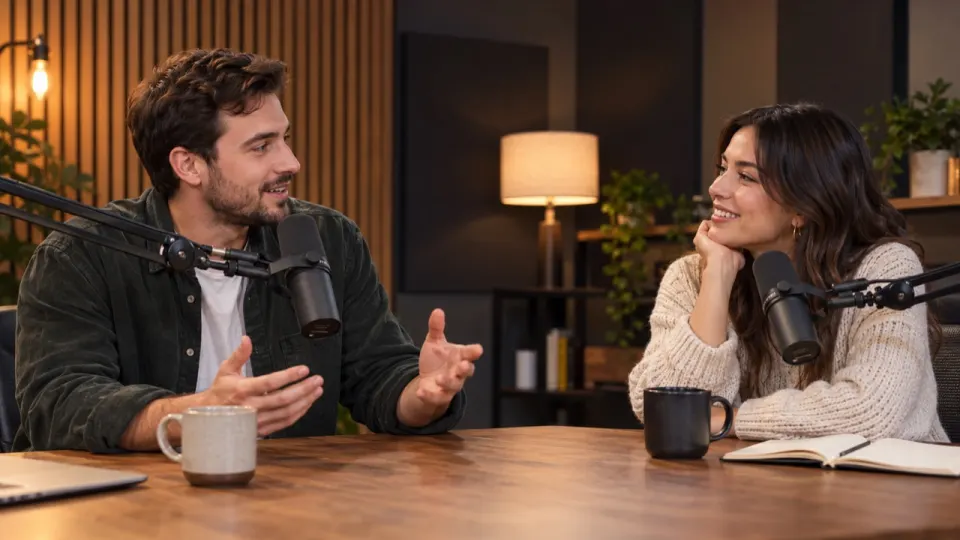
Music and room under the voice.

Everything the phone heard around you.
What it does with voices
Works well on
- One or several people talking
- A voice over music, traffic or a crowd
- Singing, if you want only the vocals
Cannot do
- Separate two people talking into two files
- Fix a voice that was recorded distorted
- Bring back words the microphone did not hear
How to isolate a voice
- aimusicremover.comcafe-vlog.mp4 · 412 MBPreparing your video100%01
Upload the file
Video or audio, up to 100 minutes. For a video, only the sound is uploaded.
- aimusicremover.comOriginalNo musicVoiceEffectsMusicVoiceEffectsMusic02
Hear 30 seconds free
Play the voice on its own before you spend a minute.
- aimusicremover.comDownload video (MP4)Audio only All tracks · ZIPcafe-vlog-musiceraser.mp4 · 1080p · 3:4203
Download the voice
WAV or MP3, or the same video with only the voice.
Who isolates voices
Pick what you record and see how people like you use it.
A lecture students can actually hear
Record from the back of the room. Take out the chairs, the fan and the music, and keep only the speaker.
- Voice at full level
- Keep a little of the room if you like
- Same video back, same length
How do I isolate a voice from a video?
Upload the video above. The result opens with Voice at 100 and Effects and Music at 0. Play the free 30-second preview, then download the voice or the same video.
Why does the voice sound flat?
With the room taken out, a voice can sound dry. Bring Effects to 20 or 30 to keep a little of the room.
Can it separate two speakers?
No. Everyone talking is in one Voice track.
Is this the same as noise reduction?
No. Noise reduction filters steady hum and hiss. The voice isolator separates the voice from everything else, music and crowds included.
Does it change how the voice sounds?
No. The voice is separated, not filtered or processed.
Can I use it on a song?
Yes, it keeps the vocals. The Acapella Extractor is set up for songs and gives you the instrumental too.
Does isolating the voice change the video?
Only the sound. The picture, length and lip sync are the same as your upload.
Is my recording kept after isolating?
For 24 hours without an account, 3 days on a free account and 7 days on a paid one, then the tracks are deleted. From a video, only the sound is uploaded.
How many minutes does voice isolation use?
The length of the file, counted by the second. A 10-minute interview uses 10 minutes. New accounts get 10 free.
Can I isolate a voice for free?
Yes, for the first 30 seconds of any file, 3 times a day, with no account. Sign up for 10 free minutes for whole files, no card needed. After that, plans start at $9.99 a month for 200 minutes, or a $9.99 pack of 120 minutes that never expires.
Which recordings can I isolate a voice from?
Interviews, calls and vlogs as MP4, MOV, WEBM or MKV video, or MP3, WAV, M4A, AAC, FLAC or OGG audio, up to 1.5 GB (200 MB on a phone). Free minutes take files up to 10 minutes, a plan or pack up to 100.
Just the voice
30 seconds free without signing up. 10 free minutes when you do.