Open the video in AI Music Remover, leave the mode on Remove music, and listen to the free preview of the first 30 seconds: the voice and the room sounds stay, the song is gone. If it sounds right, process the full video and download it as an MP4 that looks exactly like the one you uploaded.
The short version
Music under a voice is the most common sound problem in home video. A café plays a playlist while you film, a shop radio sits under a street interview, or you added a track in an app and now need the clip without it. You can’t mute the music on its own in an editor, because it is mixed into the same sound as the talking. AI Music Remover pulls the sound apart into three tracks, voice, sound effects and music, so you can drop the music and keep the rest.
- 1Choose your video. Only its sound is uploaded; the picture stays on your device.
- 2Leave What to remove on Remove music.
- 3Listen to the free preview of the first 30 seconds. No sign-up needed.
- 4If you still hear the song, tap Still hear music? for a free deeper pass, or drag the Music slider.
- 5Process the full video and download it as an MP4, or take the audio as MP3 or WAV.
The rest of this guide walks each step on a real file, a café vlog with a lo-fi beat behind it, and then on two harder ones, so you know what a good result sounds like before you spend a minute on your own.
Step 1: Choose your file
Drop the video on the tool at the top of the Music Remover page, or tap Choose file. It takes MP4, MOV, WEBM and MKV video, and MP3, WAV and M4A audio, up to 1.5 GB on a computer and 200 MB on a phone. The browser reads the file on your device and sends only the sound, so a big video uploads in seconds and the picture never leaves your computer.
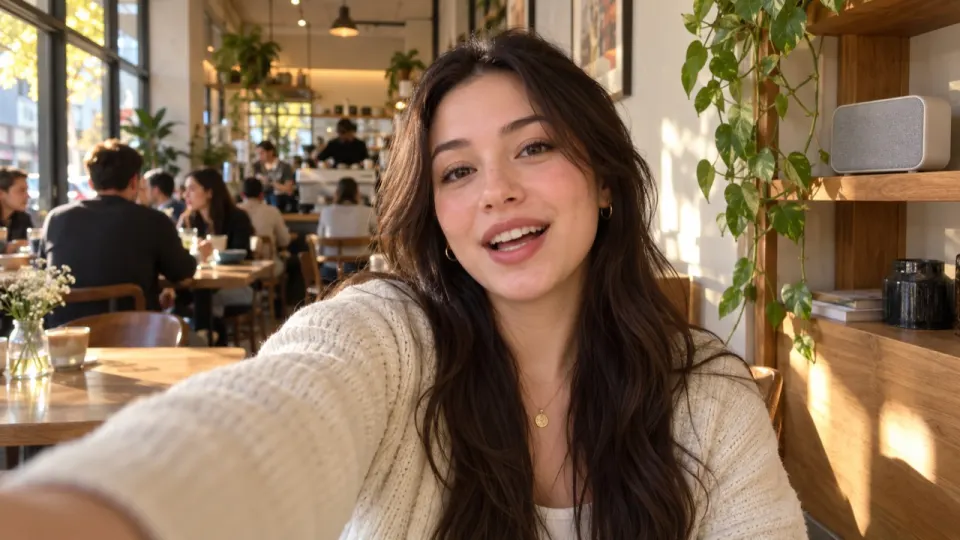
This is the file we use through the guide. It is three shots in a café in Lisbon: a woman talks to the camera while a playlist runs, people chat at the next table, cups clink and an espresso machine hisses near the end. Those room sounds are the reason a plain vocal remover is the wrong tool here; more on that in step 2.
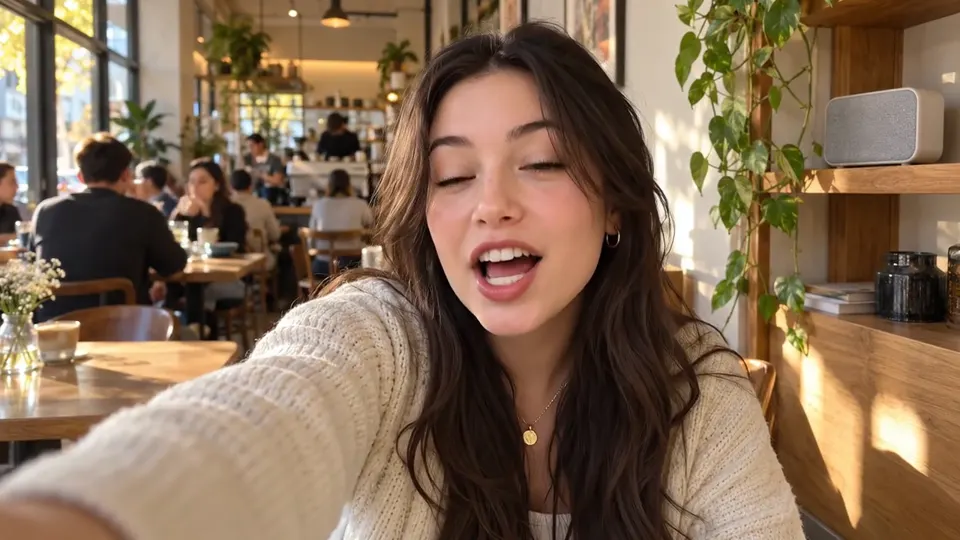 “Okay, I finally found the best flat white in Lisbon.”
 “Honestly? Worth the forty minute walk.”
 “And they make it with oat milk at no extra cost.”
Step 2: Pick what to remove
The tool asks What to remove, with three choices. For a video with talking, leave it on Remove music. Here is what each one gives you:
| Choice | You keep | Use it for |
|---|---|---|
| Remove music | Voice and sound effects | Vlogs, interviews, weddings, streams, anything with talking |
| Remove vocals | The instrumental | Songs: karaoke, a backing track, a beat without the singer |
| Split stems | Voice, effects and music as three files | Editing each part on its own timeline |
Why not a vocal remover? Most of them split sound into two parts, the singing and everything else. Footsteps, applause, a door, the clink of a cup all land in “everything else” with the music, so when you keep only the voice the video goes strangely quiet. Remove music keeps those sounds on their own track, which is what makes a vlog still sound like the place it was filmed.
Not sure? Tap Not sure what to keep? under the choices. It asks what you want to keep, Just the voice, Voice and sound effects, Only the music or Everything as separate tracks, and sets the mode for you. You can change your mind after the preview.
Step 3: Listen to the free preview
The preview runs on the first 30 seconds of your file and is free, 3 times a day, without an account. When it’s done you get a player like the one below, on the real result of the café vlog. Press play, then switch between Original and No music.
Real result, not edited afterwards. The voice and video are AI-generated. Music: “Chill Beat”, Maddy (CC0).
Listen for three things. First, the voice: it should sound like the same person in the same room, not thin or underwater. Second, the room: the chatter at four seconds, the cup at eleven and the espresso machine at twenty-two are all still there. Third, the gaps between sentences: that is where any music left over is easiest to hear, because nothing covers it.
Use headphones for this. Laptop speakers hide quiet traces that a viewer with earbuds will hear.
Step 4: Fix what’s left
Most talking videos come out clean on the first pass. When you can still hear the song, you have two tools, and both are free.
- Still hear music? sits under the result. It runs the file once more with a deeper pass, at no extra cost, and replaces the result when it’s done.
- The sliders. Switch the player to Sliders and set Voice, Sound effects and Music anywhere from 0 to 100. Changes are instant, and the download uses exactly the mix you set.
Here is the hardest of our twelve examples, a creator talking to the camera with a 1925 dance record playing in the room. Old records crackle, and the crackle sounds more like a room noise than like music, so part of it lands in the Sound effects track. You hear it most around fifteen and twenty seconds.
The fix was one tap: Voice only. Nothing else was going on in that room, so the effects track carried only the leftover record. On a vlog with real room sounds you would rather pull Sound effects down to 60 or 70 than drop it.
One more case to know: if the music is a song with lyrics, part of the singing can stay in the Voice track, because singing is a voice. Try Still hear music? first. If the singing is still there, the singer is louder than the person talking, and no tool will take it out cleanly; see what to do when the song has lyrics.
What it sounds like on other files
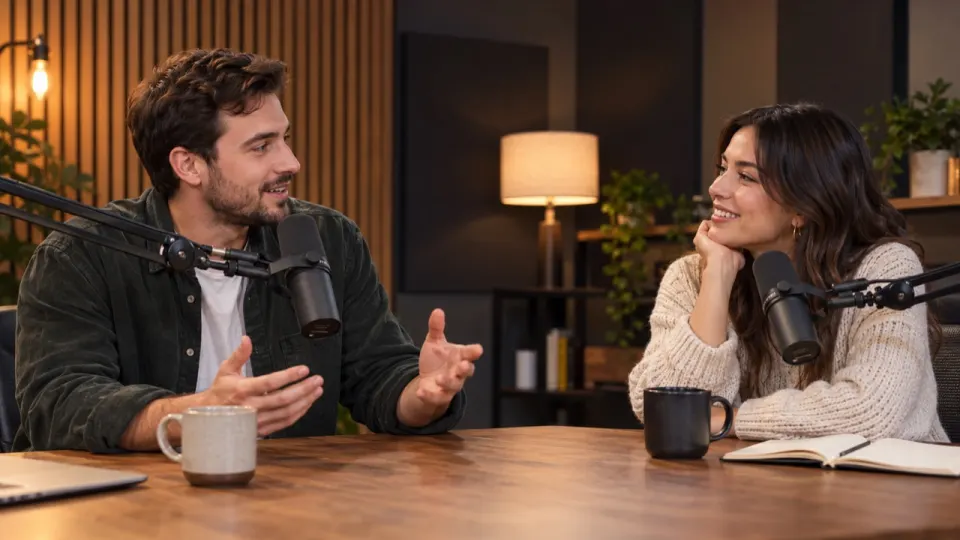
Outdoor sound is harder than a café: wind, traffic and a crowd all sit in the same range as a voice. This street interview has a reporter, a cyclist, passing bikes and a speaker playing a song from a shop door.
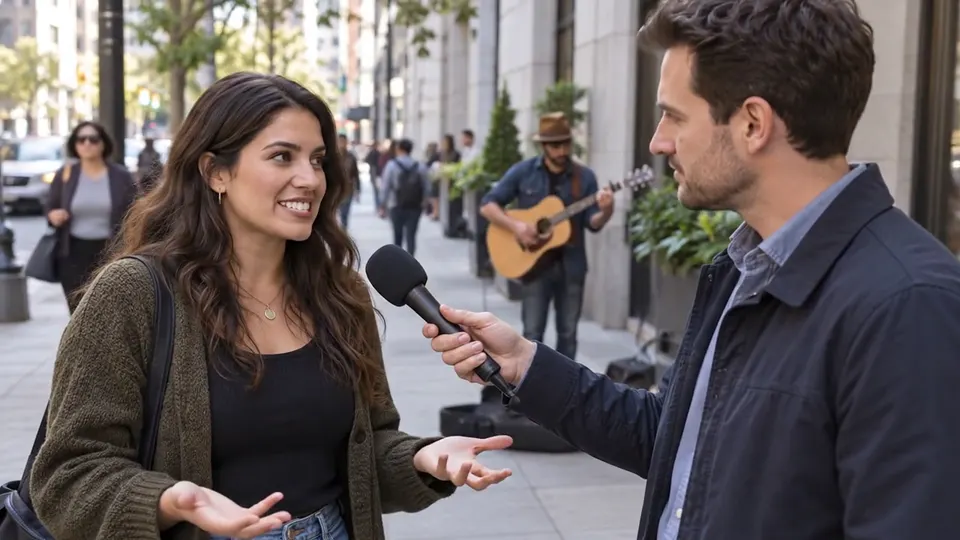 “What do you think of the new bike lanes?”
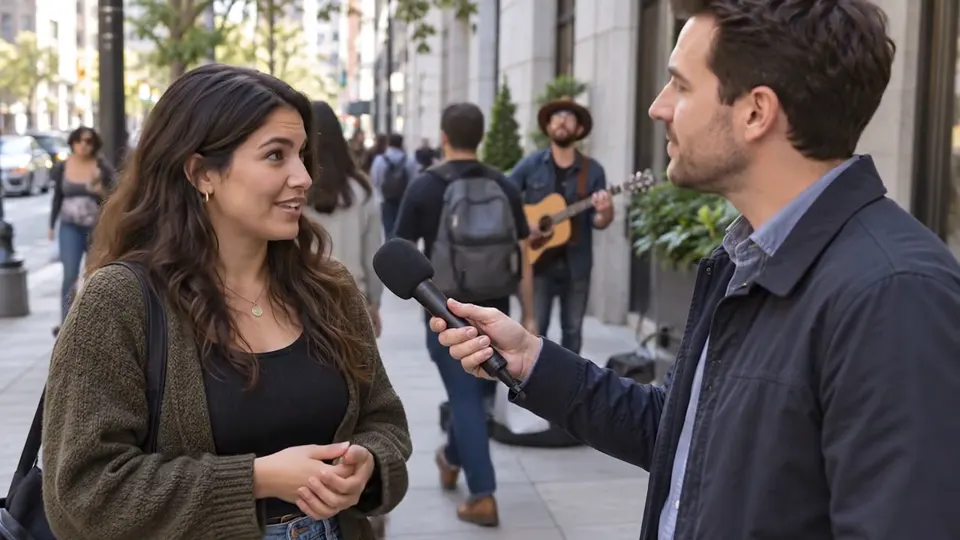 “Honestly, I ride to work every day now. It is so much safer.”
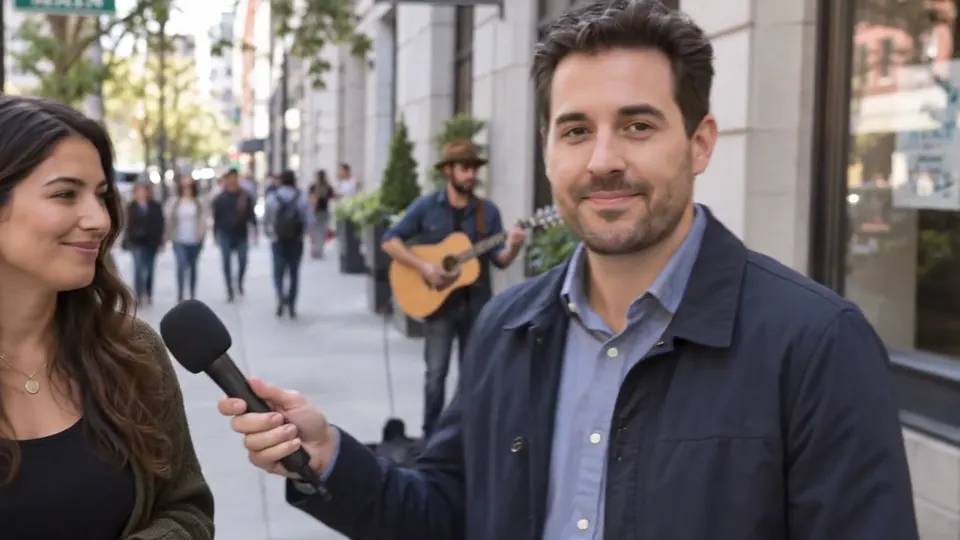 “There you have it, reporting from Main Street.”
On No music the reporter and the cyclist stay clear and the street keeps its bikes and footsteps, which is what makes it sound outdoors. You can hear this one and ten others in the examples, each with its own Original, No music, Voice only, Effects only and Music only tabs.
Step 5: Process the full video and download
When the preview sounds right, tap Process full video. The button shows how many minutes it will use: one minute per minute of sound, billed by the second. New accounts get 10 free minutes; after that, packs start at $9.99 for 120 minutes and plans at $9.99 a month for 200 minutes (see pricing). Your mix settings carry over from the preview.
A full file takes a few minutes. You can close the tab; we email you when it’s ready. If something goes wrong on our side, the minutes go back to your account.
| Download | What you get |
|---|---|
| Download video (MP4) | Your video with the new soundtrack. The picture is your original, frame for frame. |
| Download audio (MP3) | The mixed sound only, small and easy to share |
| Audio (WAV) | The mixed sound in full quality, for an editor |
| Stems (ZIP) | Voice, sound effects and music as three separate files |
Results are kept for 3 days on a free account and 7 days on a paid one, in My files, so you can come back and remix without paying again.
When it doesn’t work well
Five cases where you may still hear a trace, and what to do about each. We list them because they happen, not to scare you off; the preview tells you in a few seconds which one you have.
| Your file | What happens | What to do |
|---|---|---|
| Someone sings | Singing stays with the voice | Use Remove vocals instead, or Still hear music? |
| A live band shares the mic | Some of the band stays | Still hear music?, or leave Music at 15% |
| An echoey room | The echo can sound like music | Keep Sound effects at 100 |
| Music louder than the voice | Traces in the gaps | Still hear music?, then Voice 100 and Sound effects 70 |
| An old crackly record | The crackle lands in Sound effects | Voice only, or bring Sound effects down |
Questions
Is there a free way to remove music from a video?
Yes: the preview of the first 30 seconds is free with no sign-up, 3 times a day. New accounts get 10 free minutes for full files, which covers a few short videos; after that, plans start at $9.99 a month for 200 minutes, or packs at $9.99 for 120 minutes.
Will my footage look any different?
No. Only the sound is sent to us. The new soundtrack is put back into your original video on your device, so the picture is exactly the one you filmed.
Will the background sounds stay?
Yes, on Remove music. Footsteps, applause, cups, doors and crowd noise get their own Sound effects track and stay in the mix unless you turn them down.
Can I keep the music quieter instead of removing it?
Yes. Switch the player to Sliders and set Music anywhere from 0 to 100. Around 20 keeps a quiet bed under the voice.
How long can my video be?
Free minutes cover files up to 10 minutes; any plan or pack unlocks files up to 100 minutes and 1.5 GB.