Remove music from audio, keep the voice
Take the music bed out of a podcast, voice memo or recording. Audio in, audio out, no video needed.
By uploading you confirm you have the rights to this file. Terms
The music bed is gone, both hosts stay
Not quite your file?
Pick the tool that matches what you have and what you want back.
Supported files and downloads
You get the same audio file type back, the same length, with the music at the level you choose.
| You upload | You get back | Also in the download |
|---|---|---|
| Podcast episode (MP3) | The episode without the intro and bed music | Music on its own track |
| Voice memo or lecture (M4A) | Every word, no music from the room | Voice-only WAV for a transcript |
| Radio or stream recording (WAV) | Talk segments without the songs under them | All three tracks in a ZIP |
| Interview (FLAC) | The conversation, with the sound of the room | Effects on their own track |
Before and after: a podcast episode
The hosts, their laughs and the room stay. The music under them is gone.
Adjust music, voice and effects
The result opens with Music at 0. Bring it back a little to keep a quiet bed, or turn Effects down for a drier voice.
The audio you download uses exactly the mix you set, as MP3 or WAV.
Where music gets into audio
The four recordings we see most.
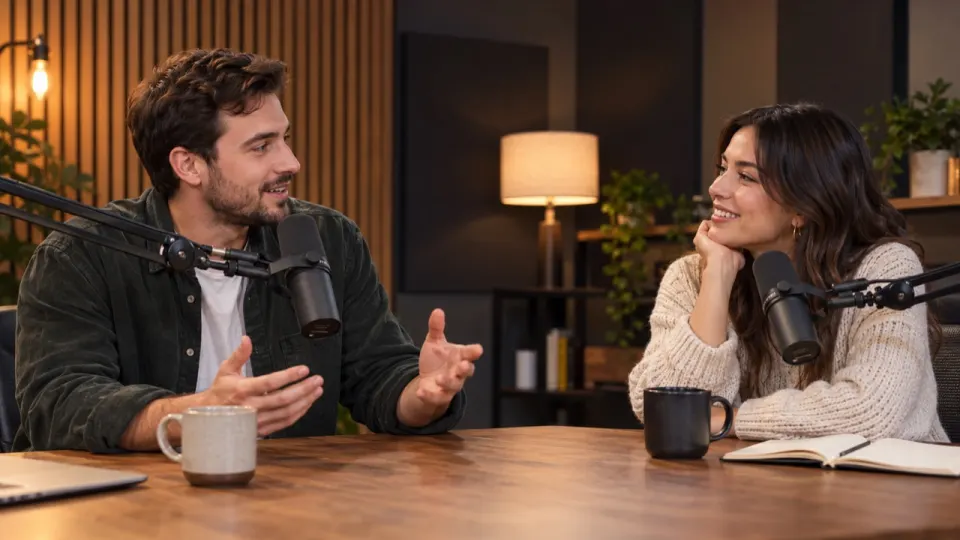
Intro, outro and bed music you want to replace.
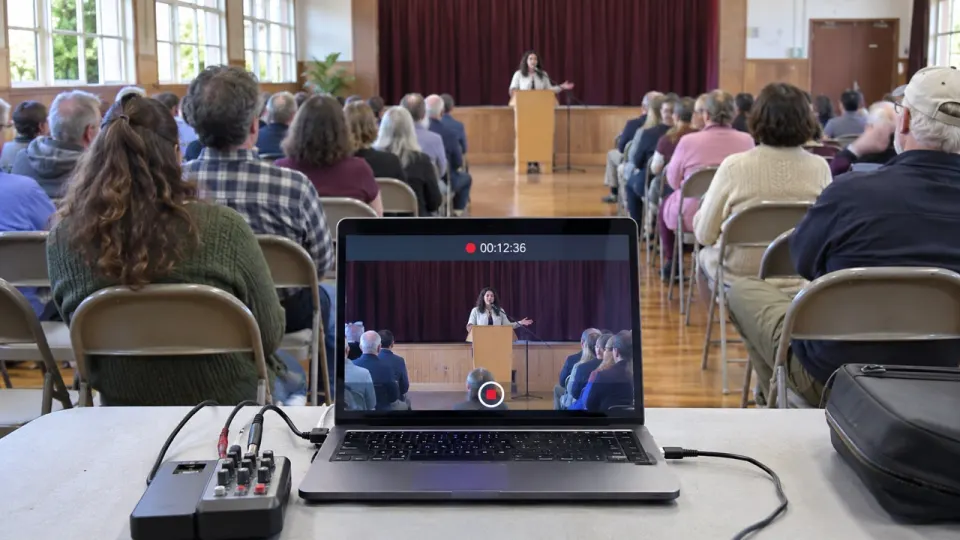
A song from the hall speakers under the speaker.
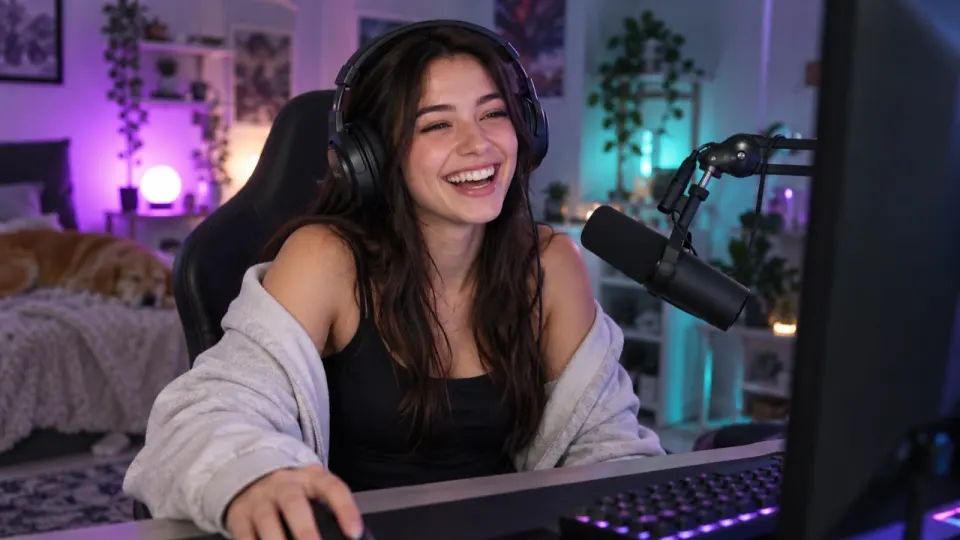
Background playlists you cannot post again.
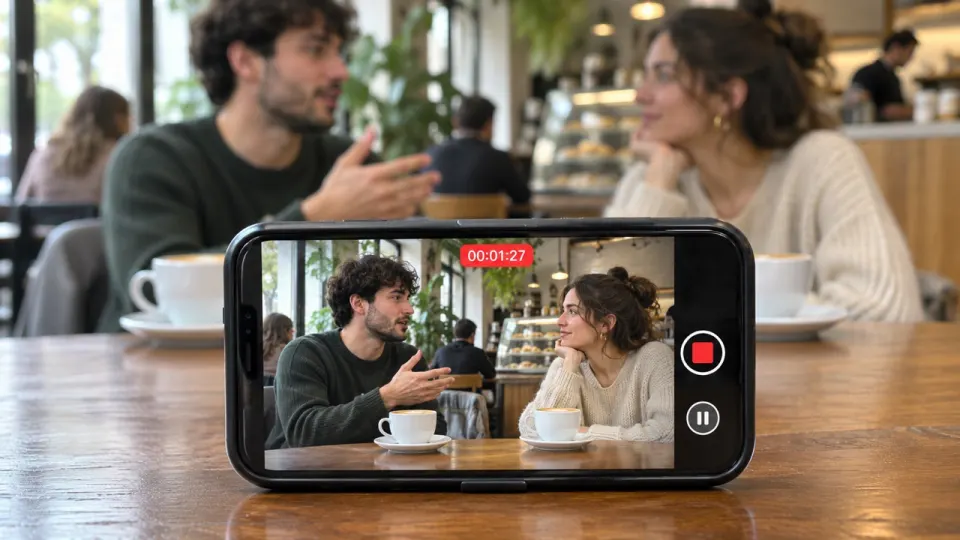
A cafe or a shop playlist behind the talk.
voice, effects and music, from one upload
largest audio file, 200 MB on a phone
longest file on a paid plan or pack
watermarks, on free and paid minutes
How to remove music from an audio file
- aimusicremover.comepisode-12.mp3Preparing your audio100%01
Upload the audio
MP3, WAV, M4A, AAC, FLAC or OGG, up to 100 minutes.
- aimusicremover.comOriginalNo musicVoiceEffectsMusicVoiceEffectsMusic02
Hear 30 seconds free
Play the start with and without music before you spend a minute.
- aimusicremover.comDownload audio (MP3)WAV All tracks · ZIPepisode-12-musiceraser.mp303
Download
MP3 or WAV with the music gone, or each track in a ZIP.
Who removes music from audio
Pick what you record and see how people like you use it.
Swap the music in an old episode
Take out the bed you no longer have the rights to, keep the conversation, add a new one in your editor.
- Hosts and guests stay at full level
- Laughs and the room kept
- WAV for editing, MP3 to publish
Remove music from audio: questions
Something else? Write to us, a person answers within a day.
All questionsHow do I remove background music from an audio file?
Upload the file above. We split it into voice, effects and music and set the music to 0. Play the free 30-second preview, then download it as MP3 or WAV.
Which audio formats work?
MP3, WAV, M4A, AAC, FLAC and OGG, up to 1.5 GB (200 MB on a phone).
Can I keep a quiet music bed?
Yes. Set Music to 10 or 20 before you download.
Does it remove noise as well?
Not on this page. Hum, wind and hiss stay with the effects. Turn Effects down, or use the Voice Isolator to keep only the voice.
Will the voice sound different?
No. The voice is not processed or changed; only the music around it is taken out.
Can I get a voice-only file for a transcript?
Yes. Download the Voice track on its own as WAV.
What if the recording still has some music?
Tap "Still hear music?" under the result. The audio gets a second, deeper pass at no extra cost.
Can I download the music from my audio too?
Yes. Voice, effects and music each come as their own track in WAV or MP3, or all three in a ZIP.
How many minutes does an audio file use?
Its length, counted by the second. A 20-minute episode uses 20 minutes. New accounts get 10 free.
Can I remove music from audio for free?
Yes, for the first 30 seconds of any recording, 3 times a day, with no account. An account adds 10 free minutes for whole files, no card needed. After that, plans start at $9.99 a month for 200 minutes, or a $9.99 pack of 120 minutes that never expires.
Does the cleaned audio have a watermark?
No. No tone, tag or spoken credit is added, on free minutes or paid ones.

Your recording, without the music
30 seconds free without signing up. 10 free minutes when you do.