Stem splitter: voice, effects and music as separate files
Voice, sound effects and music, each as its own file. Mix them here, or take all three into your editor.
By uploading you confirm you have the rights to this file. Terms
Talking, kitchen sounds and the song, each on its own
Splitting a song?
This page splits a video into voice, effects and music. For songs and instruments, use one of these.
The three stems you get
Every file is the full length of your upload and starts at 0:00, so they line up on any timeline.
Use the stems in your video editor
Import the three files with your video. They start on the same frame, so nothing needs lining up.
- Premiere Pro
- CapCut
- DaVinci Resolve
- Final Cut Pro
Mix the stems online
Set each track before you download and get one file with your mix. Nothing to import.
Download the mix as MP4, MP3 or WAV, or all three tracks in a ZIP.
What people do with three tracks
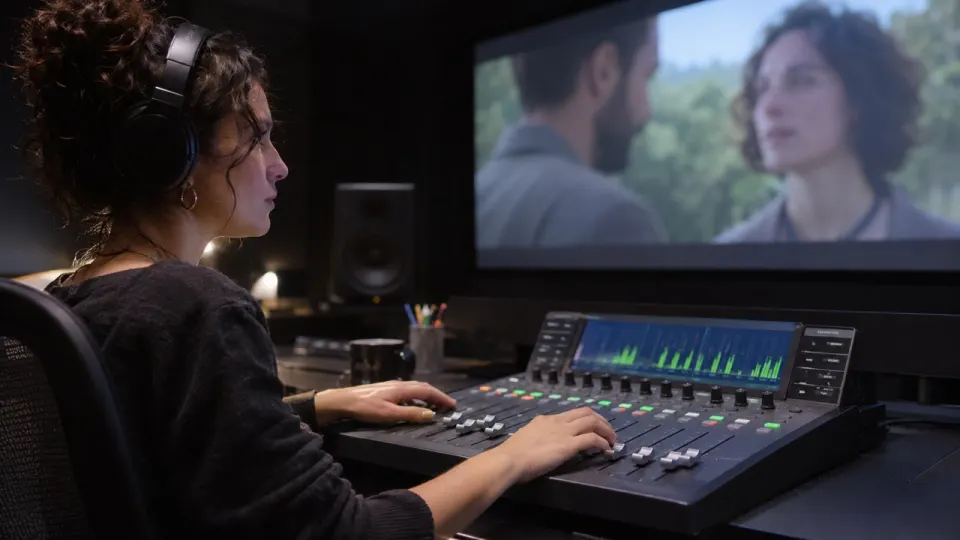
Re-mix a video in your editor
Duck the music under each line, raise the effects on a cut, or replace the song entirely.
- Each file starts at 0:00
- WAV keeps every detail
- Works in any video editor
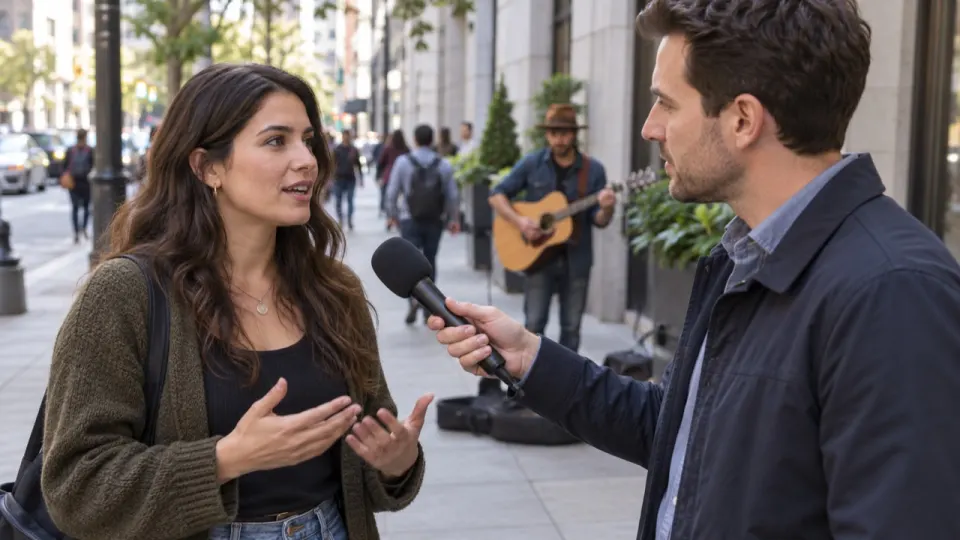
Dub or translate a video
Keep the effects and music, replace the voice with a new language.
- Effects and music without the voice
- Same length as the video
- Voice track for the transcript
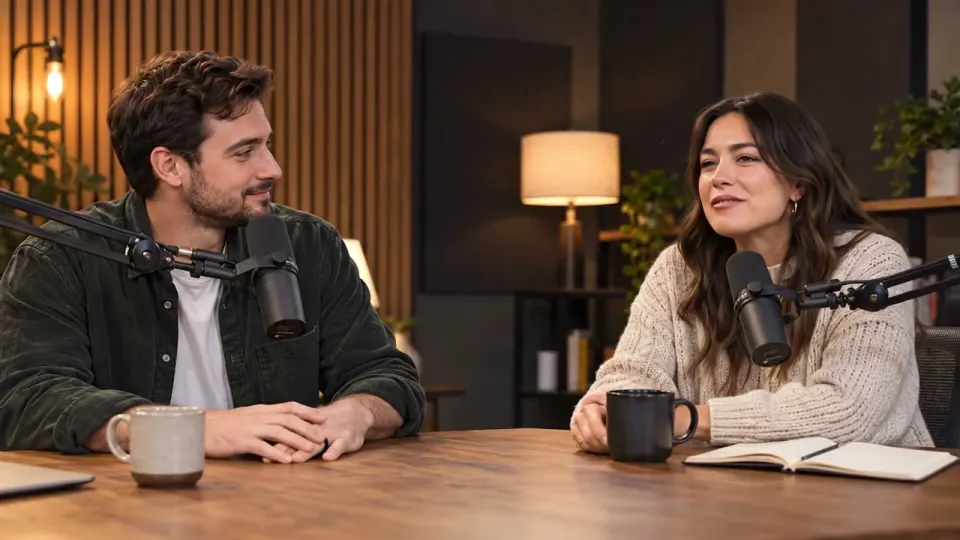
Captions and transcripts
A clean voice file makes captions easier to write and to check.
- Voice only, no music under it
- WAV or MP3
- Hand it to any caption tool

Play along with a lesson video
Take the backing music out of a lesson, keep the teacher talking, and play your own part in its place.
- Music at 0, or as low as you like
- Every word of the lesson kept
- Same length as the video
Download options
Pick one, or take all of it.
| Download | What you get | Good for |
|---|---|---|
| ZIP | voice.m4a, effects.m4a and music.m4a | Editing in any app |
| One track | Any of the three as WAV or MP3 | Captions, dubbing, sampling |
| Custom mix | One file with your levels | Posting straight away |
| Same video | Your video with your mix | Uploading as it is |
How to split a video into stems
- aimusicremover.comcafe-vlog.mp4 · 412 MBPreparing your video100%01
Upload the file
Video or audio, up to 100 minutes. For a video, only the sound is uploaded.
- aimusicremover.comOriginalNo musicVoiceEffectsMusicVoiceEffectsMusic02
Hear 30 seconds free
Solo each track before you spend a minute.
- aimusicremover.comDownload video (MP4)Audio only All tracks · ZIPcafe-vlog-musiceraser.mp4 · 1080p · 3:4203
Download the stems
Three files in a ZIP, one track, or your own mix.
Who splits into stems
Pick what you do and see how people like you use it.
Three tracks for every edit
Bring the voice, effects and music into your editor and mix the scene the way you want it.
- Lined up from 0:00
- One file per sound
- Mix here if you are in a hurry

What is a stem splitter?
It splits the sound of a file into separate tracks. Here you get three: voice, effects and music.
What do I get in the ZIP?
Three M4A files, voice, effects and music, each the full length of your upload.
Do the files line up in my editor?
Yes. Every file starts at 0:00 and is the same length as your upload, so they sit on the same frame.
Can I split a song into drums, bass and piano?
Use the Drum, Bass or Piano remover. They split a song into six instruments.
Can I get WAV files instead?
Yes. Download any single track as WAV, or mix the tracks here and download the mix as WAV.
Can I mix the tracks without an editor?
Yes. Set each slider on the result and download one file with your mix.
Does splitting stems change my video?
No. If you download the video, it has the same picture and length with lips in sync; only the sound changes.
How long are my stems kept?
The stems are deleted after 24 hours without an account, 3 days on a free account and 7 days on a paid one. From a video, only the sound is uploaded.
How many minutes does splitting use?
The length of the file, counted by the second, for all three stems together. A 3-minute track uses 3 minutes.
Can I split stems for free?
Yes, for the first 30 seconds of any file, 3 times a day, without signing up. New accounts get 10 free minutes for whole files, no card needed. After that, plans start at $9.99 a month for 200 minutes, or a $9.99 pack of 120 minutes that never expires.
Which files can I split into stems?
Audio in MP3, WAV, M4A, AAC, FLAC or OGG and video in MP4, MOV, WEBM or MKV, up to 1.5 GB (200 MB on a phone). Free minutes take files up to 10 minutes long, a plan or pack up to 100.

Three tracks from one file
30 seconds free without signing up. 10 free minutes when you do.