Remove music from an interview, keep every answer
Street corners, shops and cafés always have a song playing. Upload the recording and the answers stay, the music goes.
By uploading you confirm you have the rights to this file. Terms
The answers stay, the street music goes
Where interviews pick up music
You can’t ask the shop to turn it off. You can take it out afterwards.
- Vox pops on the streetA busker, a passing car, a shop door left open.
- Shops and cafésThe in-store playlist under every question.
- Studio and podcast guestsAn intro bed that kept playing into the first answer.
- Calls and remote interviewsMusic in the guest’s room, picked up by their microphone.
Hear it on real interviews
Every sample went through the same tool on this page. Pick one and play it before and after.
Real result, not edited afterwards. The voice and video are AI-generated. Music: “Happy”, Lebrozu (CC0).
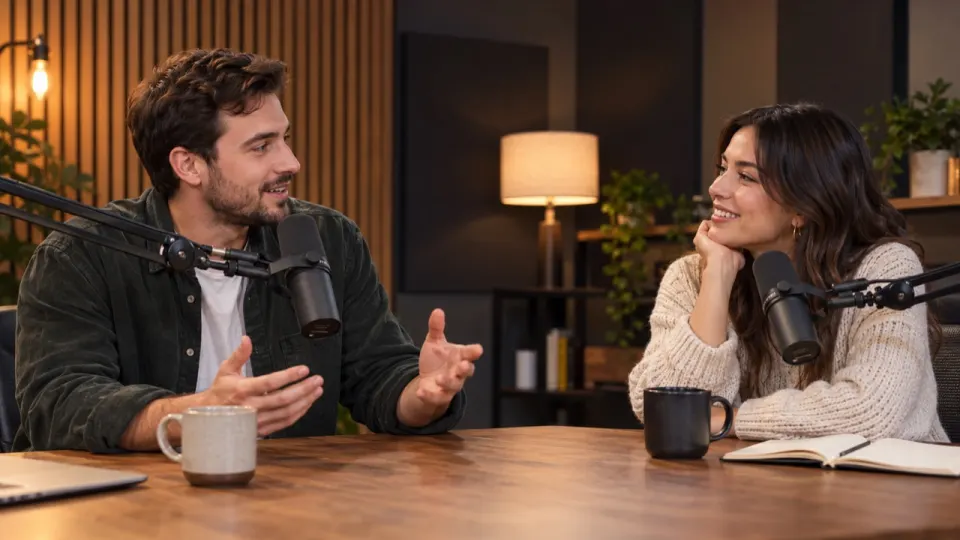
Before you cut the interview
- Busy street? Turn Effects downSet Effects to 40–60 so the answer sits on top of the traffic.
- Captions next? Download Voice onlyA clean voice track is easier to transcribe and subtitle.
- Two microphones? Run each fileUpload each recording and line them up in your editor as before.
- Still hear the song? Run it againThe deeper second pass on the same file is free.
When it doesn't work well
Five cases where you may still hear a trace, and what to do about each one.
- 1Someone in the video is singingThe singing can stay in the Voice track, because it is a voice.Use Remove vocals instead, or keep Music at 0 and accept a trace.
- 2A live band and a speaker share one micThe music bleeds into the voice; expect a faint trace in loud parts.Tap "Still hear music?" for a free second pass, or leave Music at 15%.
- 3A big, echoey roomChurch or gym echo makes the voice sound thinner after separation.Keep Effects at 100: the room tone lives there.
- 4The music is louder than the voiceQuiet words under loud music can sound slightly muffled.Tap "Still hear music?", then raise Voice to 100 and Effects to 70.
- 5The music is an old, crackly recordingIt can be mistaken for a sound effect, so it stays in the Effects track.Download Voice only, or bring Effects down until the song is gone.
0:15 and 0:20: he pauses, and the old record is still playing. It was mistaken for a sound effect, so it sits in the Effects track. The Voice track is clean here: Voice only is the fix.
Music: “Yes Sir, That’s My Baby”, Gene Austin, 1925 (public domain).
Interview recordings: questions
Something else? Write to us, a person answers within a day.
All questionsWill both voices stay?
Yes. Everyone who speaks goes to the Voice track, the interviewer and the guest alike. Only the music is taken out.
Can I remove music from an audio-only interview?
Yes. Upload the MP3, WAV or M4A and download MP3 or WAV back. Video files come back as the same video.
Will the street noise stay?
Traffic, footsteps and voices in the crowd go to the Effects track and stay at 100. Turn Effects down if they cover the answer.
What if the interview music remover leaves some music in?
Tap "Still hear music?" under the result. We run the file once more with a deeper pass, at no extra cost. Songs with sung lyrics are the hardest case, because singing sounds like a voice.
Can the interview music remover turn the music down instead of removing it?
Yes. Set Music to any level from 0 to 100, for example 20 for a faint bed under the voice. The download uses exactly the mix you set.
What happens to the files I give the interview music remover?
For a video, only the sound is uploaded; the picture stays on your device and the new soundtrack is put back there. The separated tracks are deleted after 24 hours without an account, 3 days on free accounts and 7 days on paid ones.
Which files can the interview music remover open?
Video: MP4, MOV, WEBM and MKV. Audio: MP3, WAV, M4A, AAC, FLAC and OGG. Files can be up to 1.5 GB (200 MB on a phone), 10 minutes long on free minutes and 100 minutes on a paid plan or pack.
Is the interview music remover free?
Yes, you can start free: the first 30 seconds of any file need no sign-up, 3 times a day, and new accounts get 10 free minutes for full files. After that, plans start at $9.99 a month for 200 minutes, or a $9.99 pack of 120 minutes that never expires.

Keep the answers, lose the shop music
30 seconds free without signing up. 10 free minutes when you do.