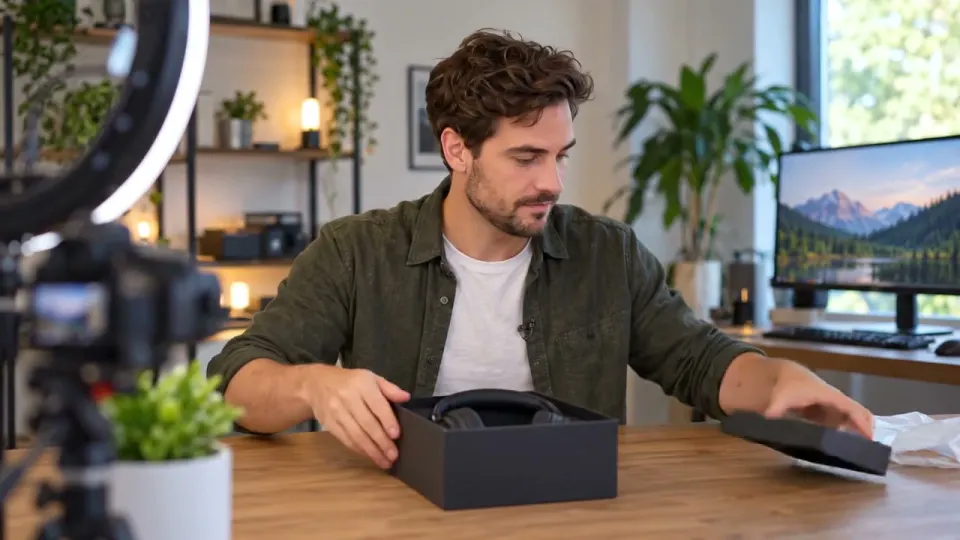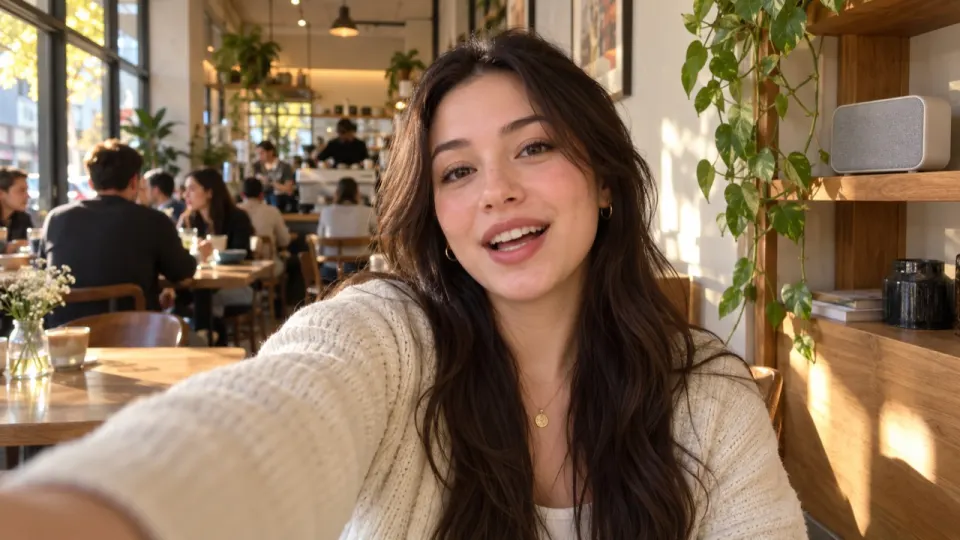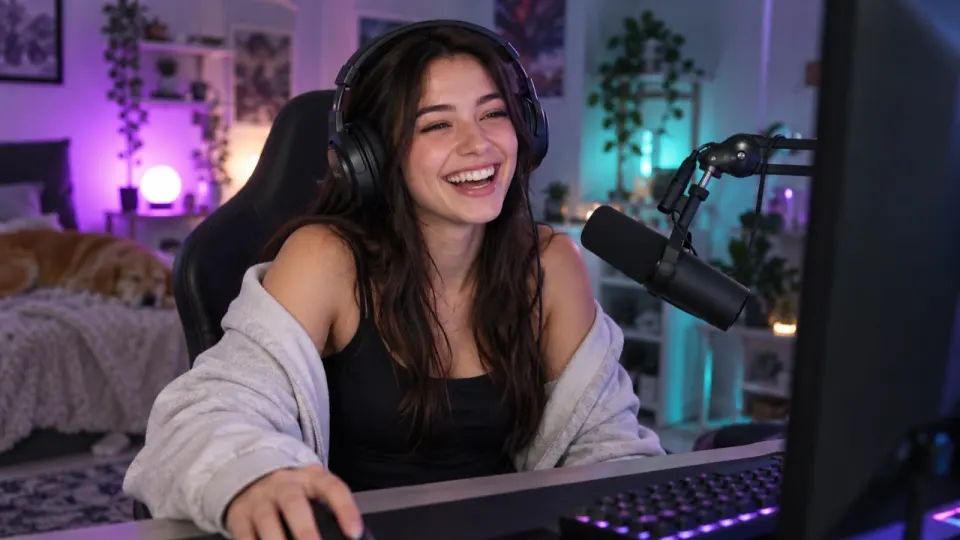
Pick Voice and sound effects in AI Music Remover: it takes out the song the shop, café or gym was playing and keeps your voice plus the street, the crowd and the room. Listen to the free 30 seconds preview first, then process the whole vlog and post the clean file. Choosing just the voice would cut the place out too, which is rarely what a vlog wants.
Where the music in your vlog came from
You didn’t add a song, yet there is one. Every shop, café, gym and food hall runs a playlist through ceiling speakers, and your camera’s microphone records everything in the room without picking favourites. Indoors the speakers are often right above you, so the track can end up almost as loud as your own voice on the recording, even though you barely noticed it while filming.
Outdoors it comes from a stall radio, a bar door left open or a car going past with the windows down. Those bursts are shorter, but they are usually popular songs, and popular songs are what matching systems know best.
| Place | Where the song comes from | What you want to keep |
|---|---|---|
| Café | A playlist on ceiling speakers | Your voice, cups, the espresso machine, quiet chatter |
| Shop or mall | Store radio, often with ads between songs | Your voice, footsteps, the till, the crowd |
| Gym | Loud speakers with a strong beat | Your voice, breathing, weights, the machines |
| Market or street | Stall radios, buskers, passing cars | Your voice, vendors calling, sizzling food, traffic |
| Restaurant or bar | Background playlist, sometimes a live band | Your voice, the table, the room |
Why background music still gets your vlog claimed
Matching systems don’t know or care that the song was playing in a shop. They hear a recording they have on file and flag it. Every big platform treats music you don’t own the same way, background or not:
- YouTube says no length of a song is automatically fair use, and a claim can apply to just a few seconds of a popular track.
- Twitch’s Community Guidelines forbid music you don’t own, and they name music playing in the background of a broadcast as part of that.
- Instagram says the more full-length recorded tracks a video has, the more likely it is to be muted or blocked, and a reel’s music can be muted.
- Meta’s Music Guidelines don’t allow music in commercial content without a license. For a vlog that promotes a café, a gym or a brand, that matters.
- TikTok recommends only its Commercial Music Library for content that promotes a brand.
None of that is legal advice, and each platform has its own help pages for the details. The practical point is simpler: if the song isn’t in the file, there is nothing to match. For what to do once a YouTube video already has a claim, read removing copyrighted music from a YouTube video.
Keep the place, lose the song
A vlog without its background sounds feels like a voice recorded in a cupboard. The clatter of a market and the hiss of a coffee machine are what make the viewer feel they are there with you. So the goal isn’t a clean voice; it is everything except the song.
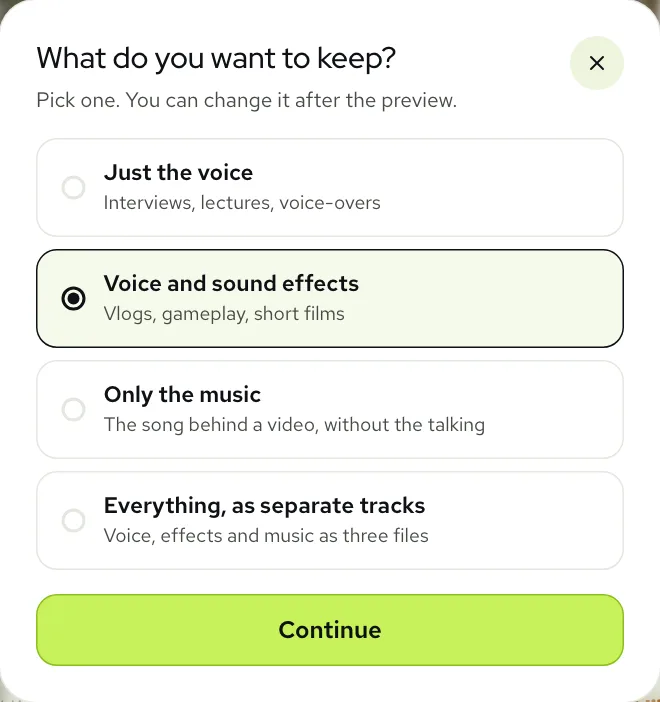
That is what Voice and sound effects is for. On the tool, click Not sure what to keep? and pick it. It keeps two of the three layers the tool finds, your voice and the sound effects, and drops the third, the music. Just the voice is the one to choose only when the room itself is a problem, such as a noisy gym where you want nothing but the coaching tip.
Example: a night market with a stall playing a song
This one is from our real examples. A vlogger walks through a market after dark, the crowd is loud, there are food stalls on every side, and an old recording of Way Down Yonder in New Orleans is playing over all of it.
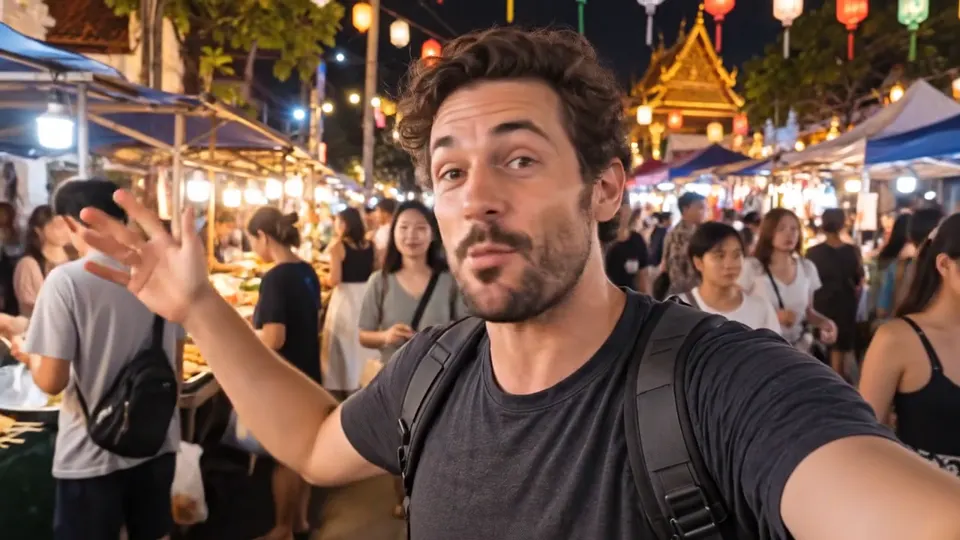 “It is nine at night and this market is just getting started.”
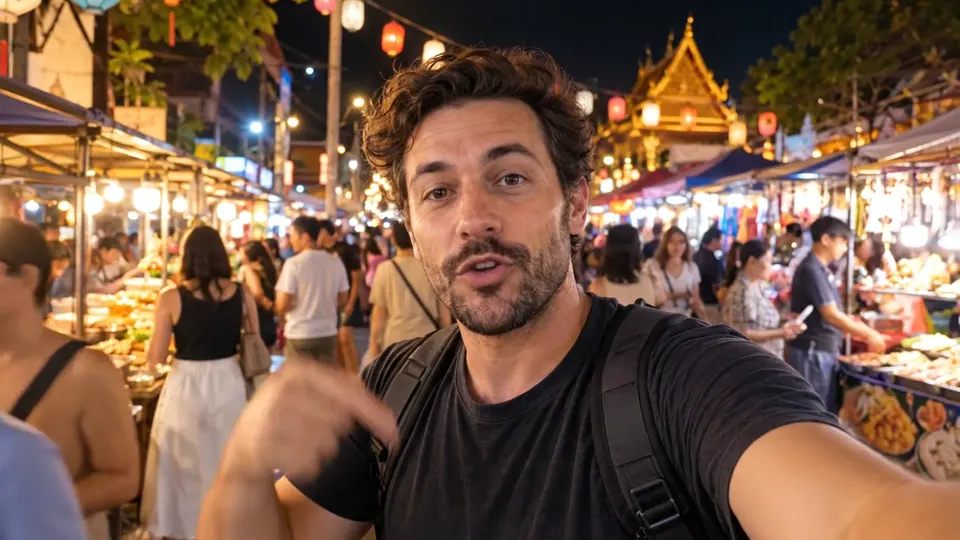 “Everyone told me to try the grilled squid here.”
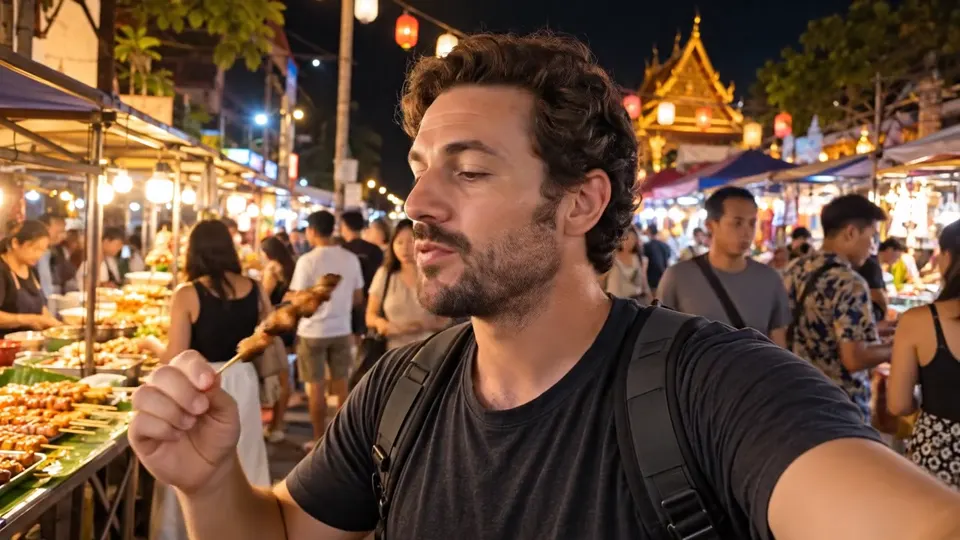 “Yep. They were right. That is incredible.”
Real result, not edited afterwards. The voice and video are AI-generated. Music: “Way Down Yonder in New Orleans”, Henry Creamer and J. Turner Layton (public domain).
Notice that the crowd is not cut. It sits behind the voice at the same level as before, so the clip still sounds like a night out, just without the song.
Example: a gym with the speakers turned up
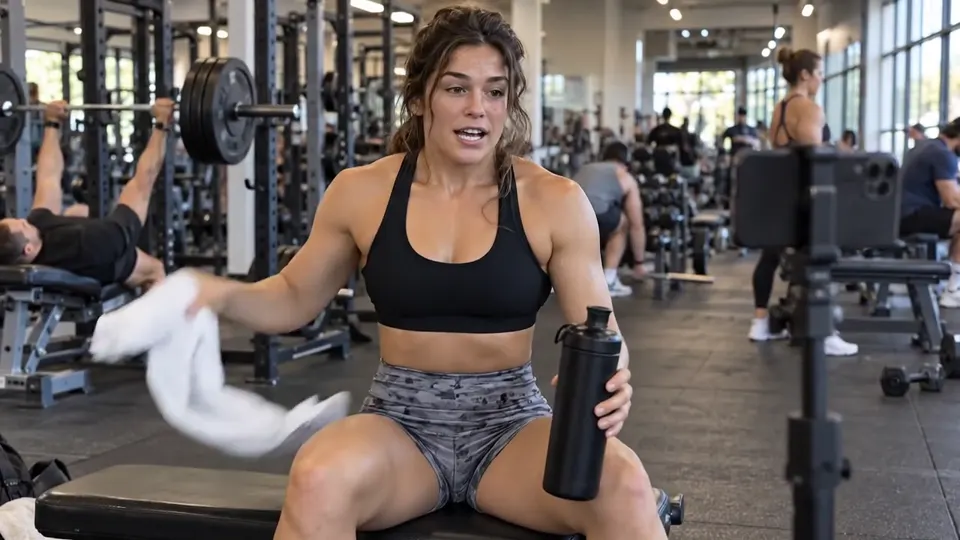
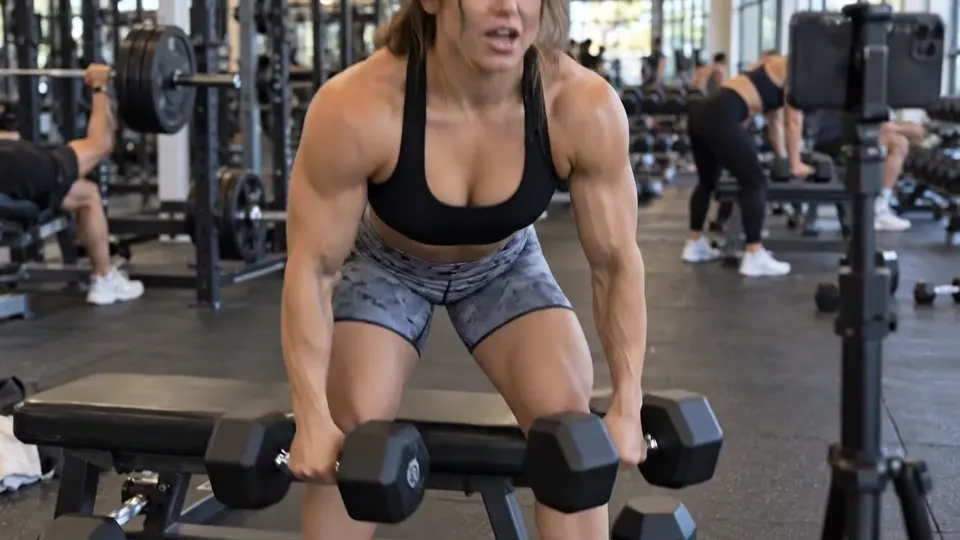
Gyms are the toughest of the everyday places. The music is loud and heavy on the beat, and people often film between sets, out of breath and close to a speaker. Our gym example has a hip hop track under a short workout tip.
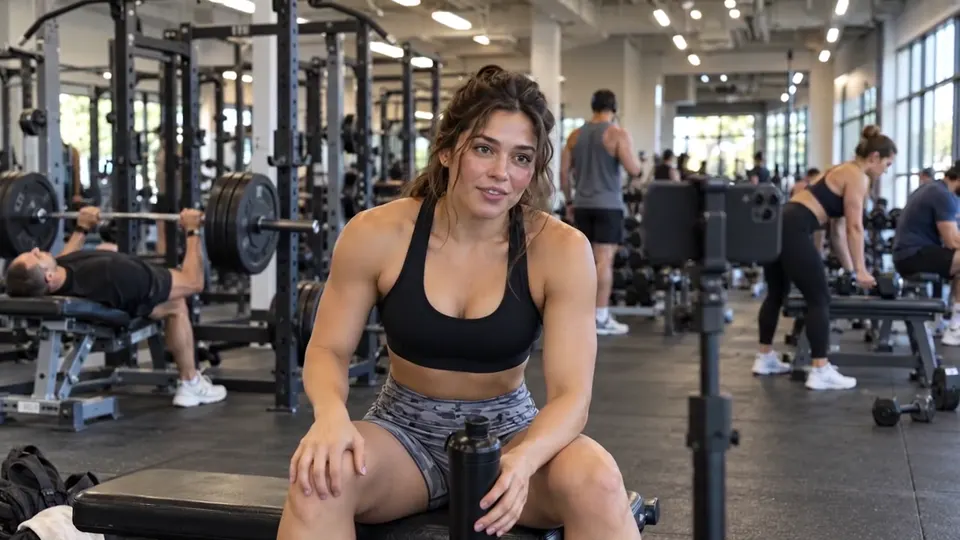 “Set three of five. Legs are on fire.”
 “Quick tip, slow down the way back up.”
 “Okay, last set. Let us go.”
If a deep thump is still left in the quiet bits, click Still hear music? on the result. It runs the clip again with a deeper pass and swaps the new result in, at no extra cost.
The steps, from your camera roll to a clean upload
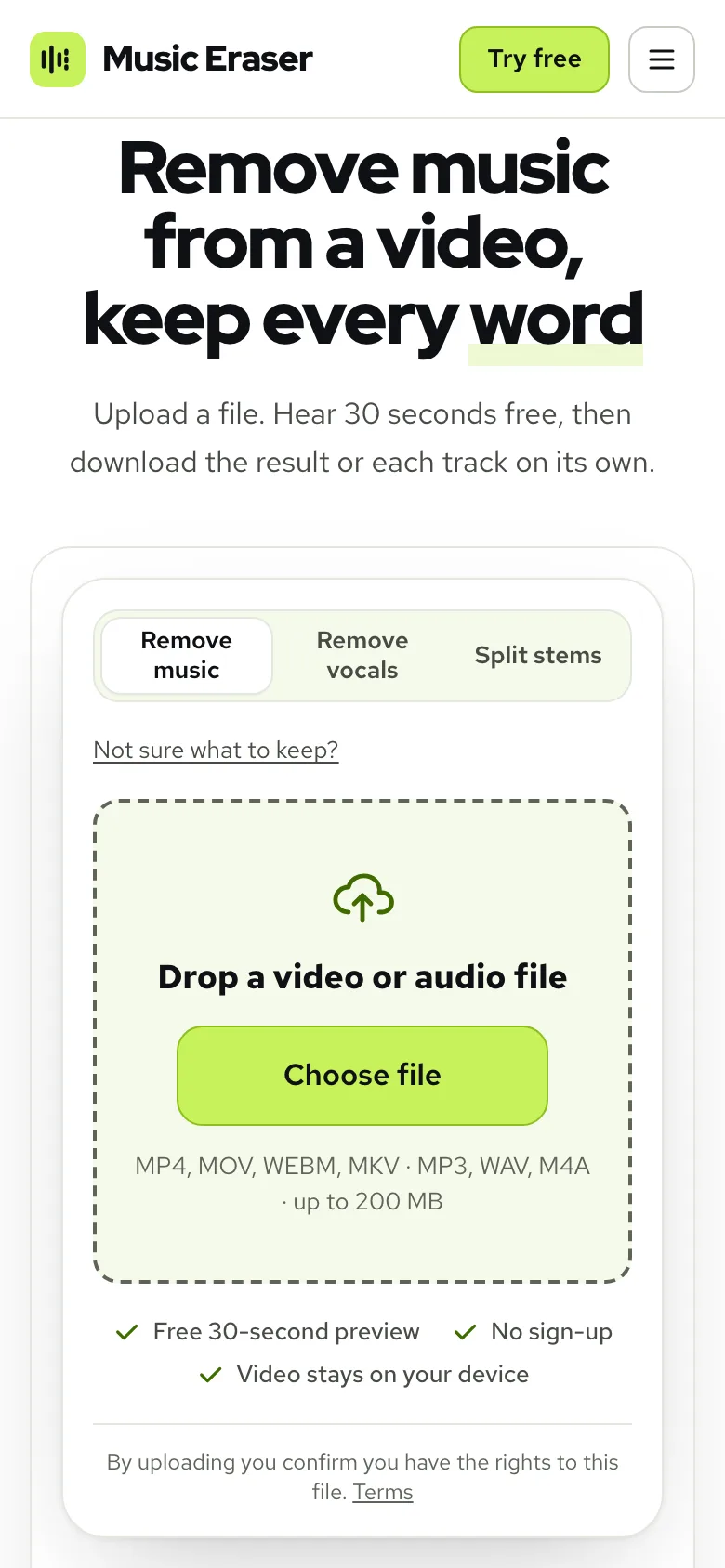
- 1Open Remove music from video and click Choose file. MP4, MOV, WEBM and MKV all work, up to 1.5 GB on a computer and 200 MB on a phone.
- 2Click Not sure what to keep? and choose Voice and sound effects.
- 3Play the free 30 seconds preview with headphones on, 3 a day without an account.
- 4Happy with it? Click Process full video. It uses one minute per minute of sound, counted by the second.
- 5Click Download video (MP4) and post that file.
A vlog shot on a phone can stay on the phone. The tool works in the phone’s browser, and only the sound is sent; the picture never leaves the device. There is more on that in removing music from a video on your phone.
Turning the crowd up or down
Sometimes the song is gone but the room is now the loudest thing in the clip. The Sliders view on the result fixes that without another run: Voice, Sound effects and Music each go from 0 to 100, and whatever mix you set is what you download.
Around 30 to 50 on Sound effects is a good start for a busy street. In a quiet café you can usually leave it at 100. If you edit the vlog yourself, take the separate tracks from My files instead and balance the room in your editor; remixing a saved result doesn’t use any more minutes.
While you film: habits that make the cleanup easier
- Speak a little closer to the microphone than feels natural. The louder you are against the speakers, the cleaner the separation.
- Stand away from the speakers when you can. Under the ceiling grille in a shop is the worst spot in the room.
- Leave a breath between sentences. Those short gaps are where you will check the result for any leftover song.
- Ask if the staff can turn the music down for a minute. In a small café they often will, and it saves you work later.
- Keep the original file. If the platform flags something you missed, you can run it again from the source.
When the result isn’t quite right
| What you hear | Why | Fix |
|---|---|---|
| A faint beat in the pauses | A loud speaker close to the camera | Click Still hear music?, then check the gaps again |
| The street sounds too loud now | The song used to cover the crowd | Lower Sound effects to about 40 in Sliders |
| The place sounds empty | Just the voice was chosen | Switch the preset to No music to bring the room back |
| Someone singing along is still there | Singing is a voice, so it stays with the voice | Trim those seconds in your editor |
| The vlog is too long for one run | Over 100 minutes | Split it into parts and run each one |
New accounts start with 10 free minutes, and packs start at $9.99 for 120 minutes (see pricing). For more on keeping footsteps, clicks and room sound, read how to remove music and keep sound effects.
Questions
Can a vlog be claimed for music playing in a shop?
Yes. Matching systems hear the recording, not where it came from, and YouTube says a claim can apply to just a few seconds of a popular song.
Which option keeps the street and the room?
Voice and sound effects. It drops the song and keeps your voice plus everything else the camera heard.
Will taking the song out make my vlog sound empty?
Not if you keep the sound effects. The crowd, the cups and the machines stay where they were; only the song goes.
Can I do this for a vlog shot on my phone?
Yes, in the phone’s browser with nothing to install, for files up to 200 MB.
What if a little of the song is still there?
Click Still hear music? on the result. It runs a deeper pass and replaces the result at no extra cost.