Upload the episode as MP3, WAV or M4A, or the video podcast itself, keep the mode on Remove music and play the free preview of the first 30 seconds. The hosts, the guest and their laughter stay; the music bed underneath goes. Then process the full episode and download the audio, or take the voice and music as separate stems.
When you need the music out of a podcast
Podcasts pick up music in three ways. Someone added a bed under the whole conversation and now wants to swap it. A sponsor or a network needs the talk without the theme that was baked in. Or the recording itself caught music: a café during a street interview, a radio in the next room, a stage playing walk-on music before a panel.
In all three the music is mixed into the same file as the voices, and you only have that final file. Without the original multitrack session, an editor can’t pull them apart; lowering the volume lowers everything. Separating the sound into voice, sound effects and music gets you back something close to the tracks you never had.
Separation won’t fix a bad recording. If the mic was across the room, the voices will still sound far away. What it does is take away the one thing you didn’t want, the song, and leave the conversation as it was recorded.
Our worked example: a two-person show
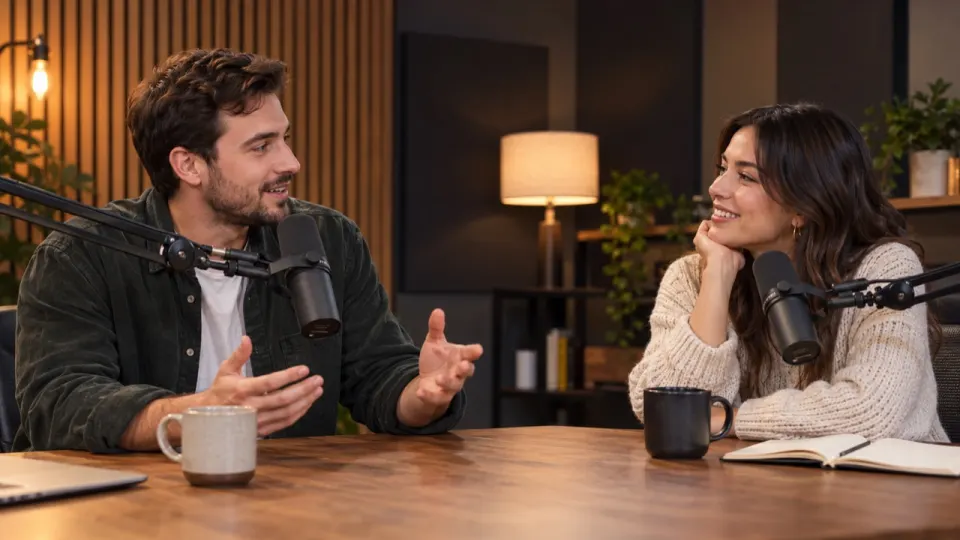
We use one of our real example results throughout. It is a short video podcast: a host opens the episode, a first-time guest answers, and the host asks the opening question. A jazz recording, Kuri, plays from the first second, and the clip opens on a few seconds of that music before anyone speaks, much like a theme tune into the cold open.
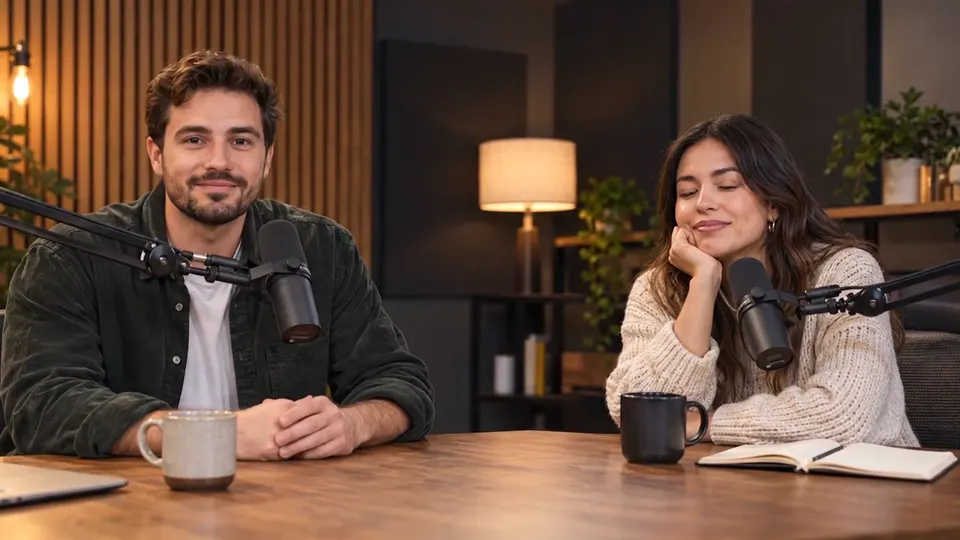 “Hi everyone, welcome back to the show.”
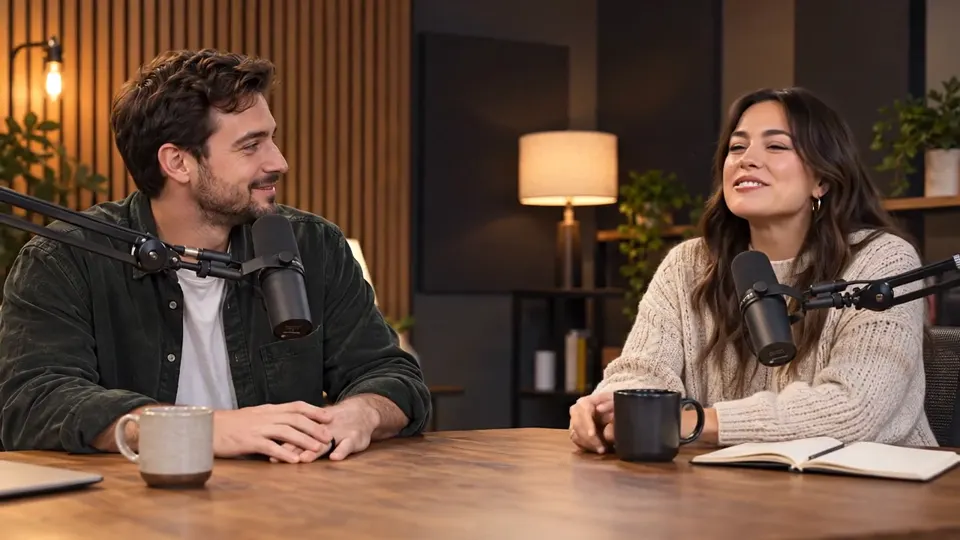 “Thanks for having me, this is my first podcast ever.”
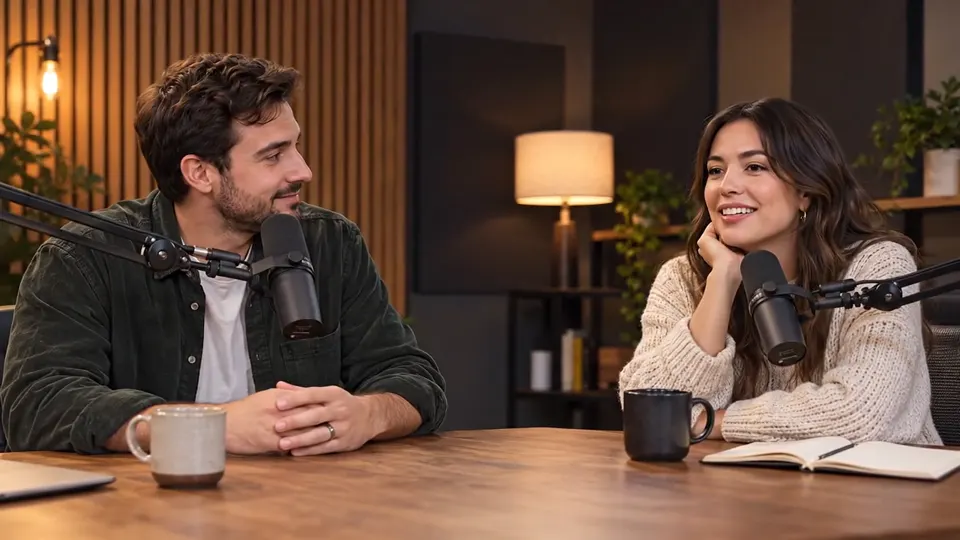 “So tell us, how did the whole thing start?”
There is also a laugh at about 0:14, in the second shot. Laughter is the part of a podcast that tells you the people liked each other, and it is the first thing a careless cleanup removes. Keep an ear on it below.
How to remove background music from a podcast
- 1Add the file to the tool on the Remove Music from Audio page. Audio in MP3, WAV or M4A works, and so does video, up to 1.5 GB from a computer or 200 MB from a phone.
- 2Keep What to remove on Remove music: it holds on to Voice and Sound effects.
- 3Let the free preview finish. It covers the first 30 seconds, so start with a part of the episode where the music runs under talking.
- 4Compare Original, No music and Voice only in the player. Choose the one that sounds like your show.
- 5Tap Process full audio, or Process full video for a video podcast, and download when it is done.
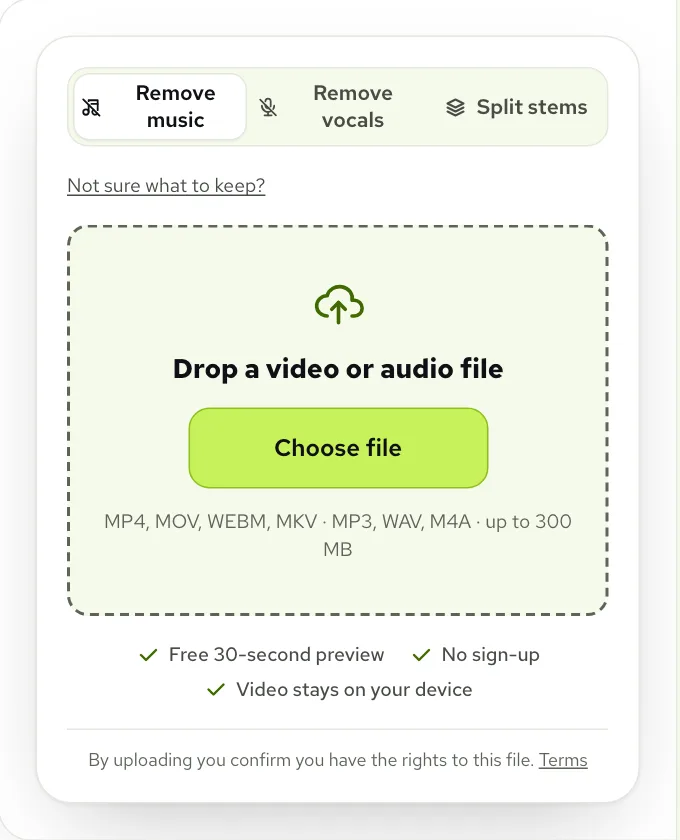
On a video podcast the screen reads “Uploading … of audio — your video stays here.” That is literal: the browser takes the sound out of the video and sends only that. A two-hour recording uploads far faster than its file size suggests, and the footage never leaves your machine.
Judging the result: hosts, guest and laughter
Below is the actual result for the podcast example, opened on No music. Play it once through, then flip to Original at the laugh to hear what was underneath.
Real result, not edited afterwards. The voice and video are AI-generated. Music: “Kuri”, United States Air Force Band of Mid-America (public domain).
- Both voices. The host and the guest sit at different distances from their mics; each should keep its own character.
- The opening. Where the theme played on its own, you now hear near silence. That is correct, and an easy spot to cut.
- The laugh at 0:14. On No music it stays, because it lives on the Sound effects track.
- The tails of words. Listen to the ends of sentences, where a voice fades and the music used to fill in.
No music or Voice only?
For a conversation, No music is usually the better pick. Voice only goes further and drops the Sound effects track as well, which takes out room tone, chair creaks and, in this example, the laugh. It is the right choice when you want a dry voice for an audiogram, a clip under new music, or an interview that was recorded somewhere loud.
You don’t have to choose one or the other. Open Sliders and leave Sound effects at 40 or 50: the laugh survives, the room gets quieter. Each move is heard immediately, and the file you download matches what you set.
Interview recordings made outside a studio
Field interviews are harder than studio shows. A reporter with a handheld mic on a shopping street gets shop speakers, buskers and traffic all at once, and the music often comes from one direction while the voices come from another.
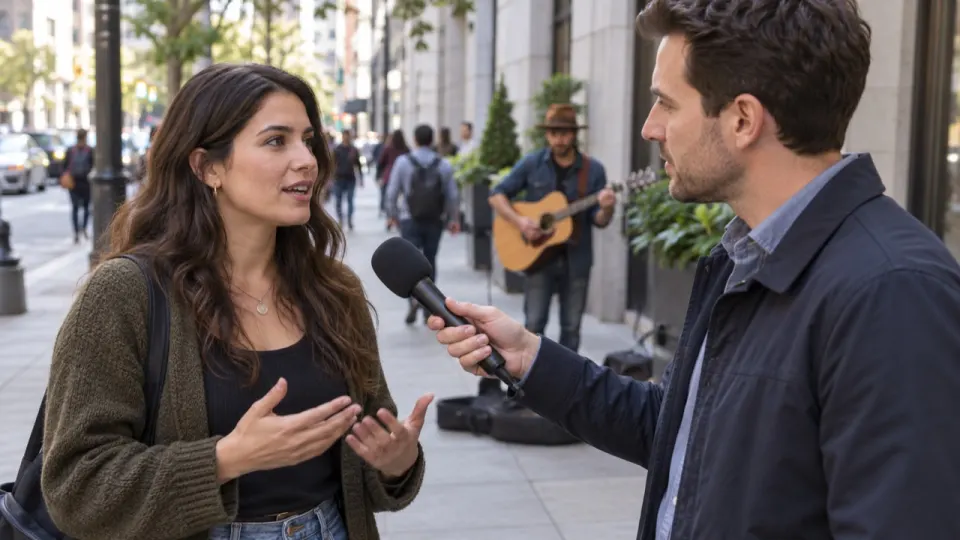
The approach is the same, with two adjustments. Keep Sound effects higher than you would in a studio, because the street noise is what tells listeners where they are. And if music is still audible after the first pass, use Still hear music? before touching the sliders: it runs a deeper pass on the same file for free and swaps in the new result. Our guide to removing store music from a vlog covers outdoor sound in more depth.
Problems, causes and fixes
| Problem | Cause | Fix |
|---|---|---|
| A sung chorus is left behind | The theme has lyrics, and singing counts as voice | Still hear music?, or cut the theme and keep only the talk |
| Faint music in the pauses | The bed was mixed nearly as loud as the speech | Still hear music?, then Music at 0 and Sound effects at 70 |
| The episode sounds empty | Room tone went out with Voice only | Use No music, or put Sound effects back at 40 to 60 |
| A guest on a phone line sounds thin | That was the call quality, not the separation | Nothing to fix here; keep that voice as it is |
Downloads for your editor
Most podcasters want the cleaned audio. For an audio upload, take Audio (MP3) for a quick check or Audio (WAV) to drop straight into your editing session. For a video podcast you can also download the MP4 with the new sound joined back to your untouched picture.
If you produce the show yourself, Stems (ZIP) is the most flexible: Voice, Sound effects and Music arrive as three files of the same length. You can keep the old theme for the intro, mute it under the talk, and keep the laughter where it happened.
Each full run uses a minute of credit per minute of sound, charged by the second. A new account starts with 10 free minutes, about one short segment; regular shows usually go for a plan, from $9.99 a month for 200 minutes, or a pack, from $9.99 for 120 minutes. See pricing for the rest. An hour-long episode needs a paid account, since free minutes stop at files of 10 minutes and paid ones go to 100 minutes.
You will get an email when a long episode is ready, so there is no need to keep the page open. A failed run puts its minutes back. Finished results wait in My files for 3 days on free accounts and 7 days on paid ones.
Questions
How do I remove background music from a podcast?
Upload the episode, keep Remove music selected and preview it. The voices and the laughter stay, the music bed goes, and you download the result as MP3, WAV or separate stems.
Can I remove music from a podcast for free?
Yes for a sample: the first 30 seconds preview free, 3 times a day, with no account. Signing up adds 10 free minutes for full files; after that, plans start at $9.99 a month for 200 minutes, or packs at $9.99 for 120 minutes.
Will the laughter stay when the music is removed?
Yes, on No music. In our podcast example the laugh at 0:14 sits on the Sound effects track, so only Voice only removes it.
Does it work on an audio-only podcast file?
Yes. MP3, WAV and M4A all work, and you download the cleaned audio as MP3 or WAV, or all three tracks as Stems (ZIP).
Can I keep the intro music and remove it everywhere else?
Yes, with the stems. Download Stems (ZIP), put the Music file back under the intro in your editor and mute it for the rest of the episode.