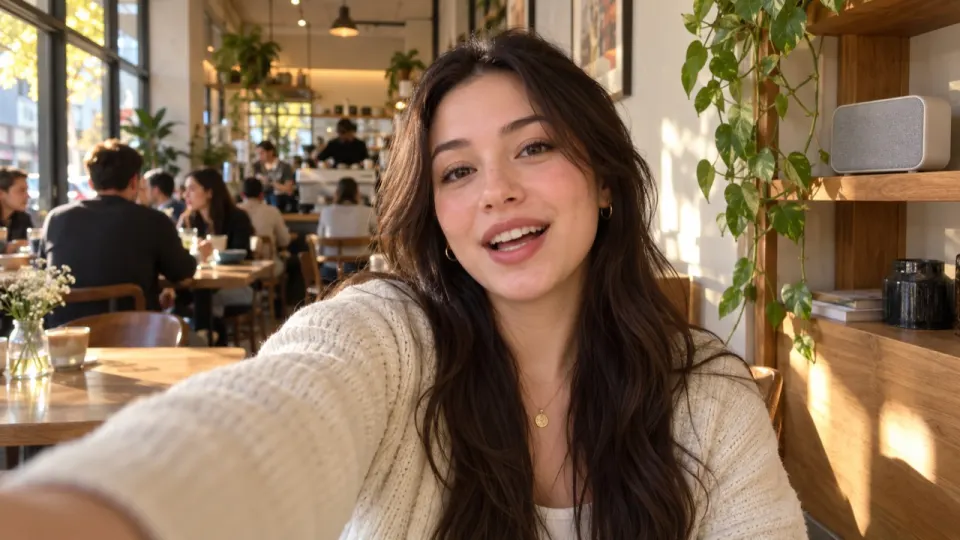
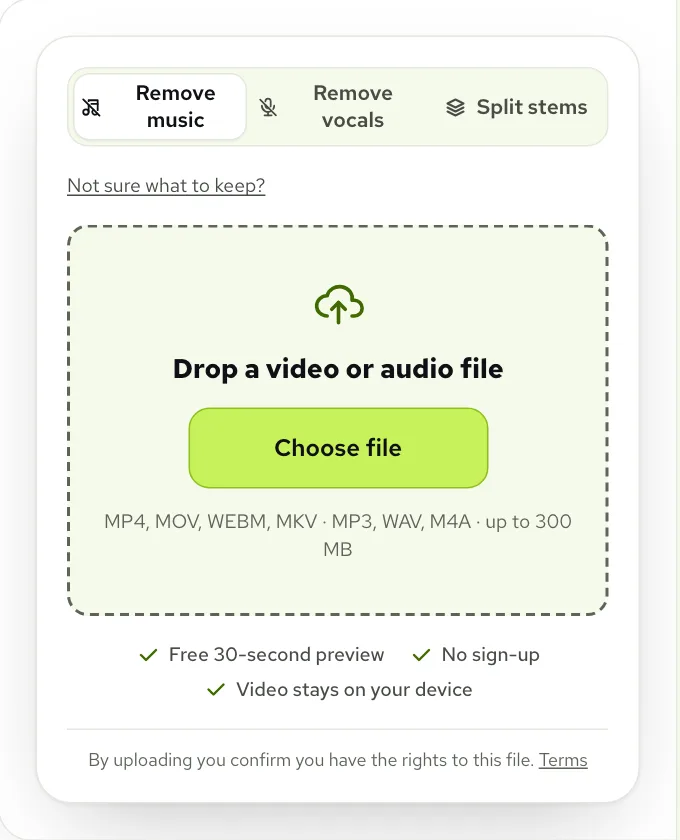
Pick the clip on the Remove music from video page and keep Just the voice, or Voice and sound effects if the room matters. Check the free 30 seconds preview, process the whole clip and download the MP4. Then post it on TikTok and, for anything that promotes a brand, add a sound from TikTok’s Commercial Music Library, which TikTok recommends for that kind of post.
Why the song has to come out first
Most TikToks that need fixing have the music baked in. A song was playing in the room, or you edited a track onto the clip in another app before saving it. Once it’s part of the sound, it can’t be separated from your voice inside the app: a new sound has to share space with the old song, and turning the original down to hide the song turns you down with it.
That matters most when the post is for a brand. TikTok says that content promoting a brand, product or service should only use tracks from its Commercial Music Library, which are cleared in advance for that use. Its other music licences don’t cover commercial content, and for original sounds or music from outside that library it asks for a Music Usage Confirmation.
Put together, the plan for a sponsored or shop video is simple: get the original song out of the clip so the only music left is a Commercial Music Library sound you add on TikTok. For a personal post the same clean clip simply gives you a free hand to choose any sound, or none. We’re summarising TikTok’s own guidance here, not giving legal advice, so check its pages for your situation.
Choosing what stays
The tool asks one question before it starts: what do you want to keep? On TikTok the answer depends on the kind of video.
| Your TikTok | Keep | Why |
|---|---|---|
| Talking to the camera | Just the voice | Nothing else in the room is worth keeping, and it gives the cleanest result |
| Workout, cooking, a day in your life | Voice and sound effects | Footsteps, weights and sizzles make the clip feel live |
| Dance or lip-sync | Only the music, or nothing | The song is the point; removing it leaves very little |
| Plan to remix it later | Everything, as separate tracks | Voice, effects and music arrive as three files |
Working through a hard clip
To show the whole process honestly, we used the toughest of our examples rather than the easiest. A creator gives a quick update straight to the phone while an old 1925 record plays nearby. The record crackles, and the crackle is the hard part.
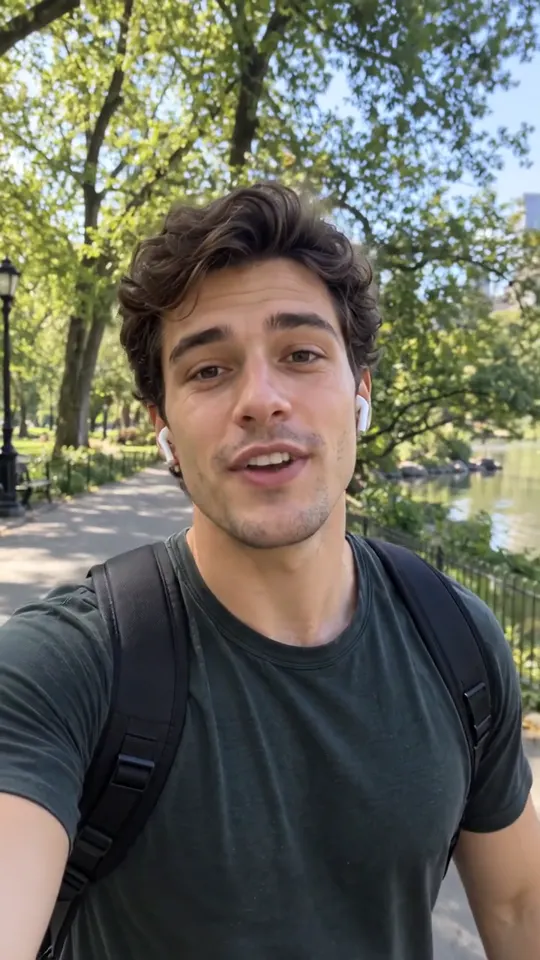 “Quick update, the new video is coming out Friday.”
 “I shot the whole thing in one weekend.”
 “Tell me in the comments what you want to see next.”
On the first pass with Remove music, the song itself is gone. Listen closely, though, and around fifteen and twenty seconds there is a faint hiss left. Old records crackle in a way that sounds more like a noise in the room than like music, so some of it is kept along with the sound effects.
Real result, not edited afterwards. The voice and video are AI-generated. Music: “Yes Sir, That’s My Baby”, Gene Austin (public domain).
Because she’s alone and quiet in that room, there is no sound effect worth saving. So the fix is to keep the voice and nothing else, which drops the leftover crackle together with the effects track. On a TikTok shot somewhere with real sounds around you, lower Sound effects in Sliders rather than dropping it to zero.
If a trace is still there after that, Still hear music? under the result runs the clip again with a deeper pass at no extra cost. A song with lyrics is the one case that can stay stubborn, because singing is a voice too; the YouTube copyright guide covers what to do then.
When the room should stay
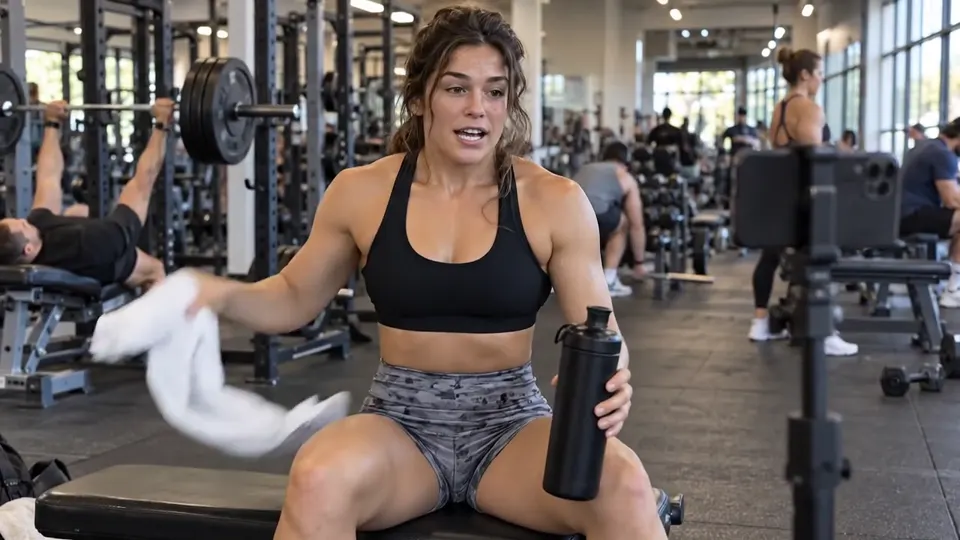
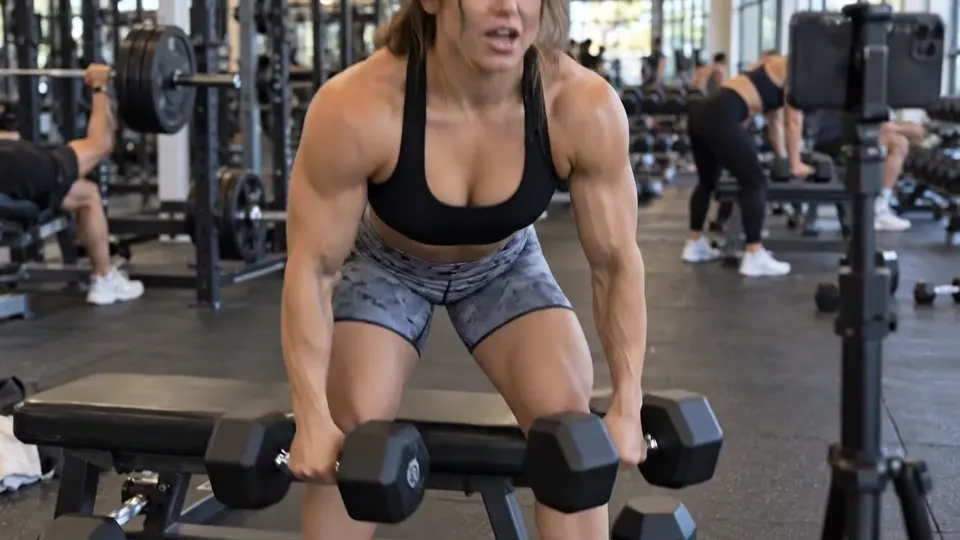
Not every TikTok is a talking head. On a gym clip the clank of the weights and the breathing between reps are half the content, and losing them makes the video sound dubbed.
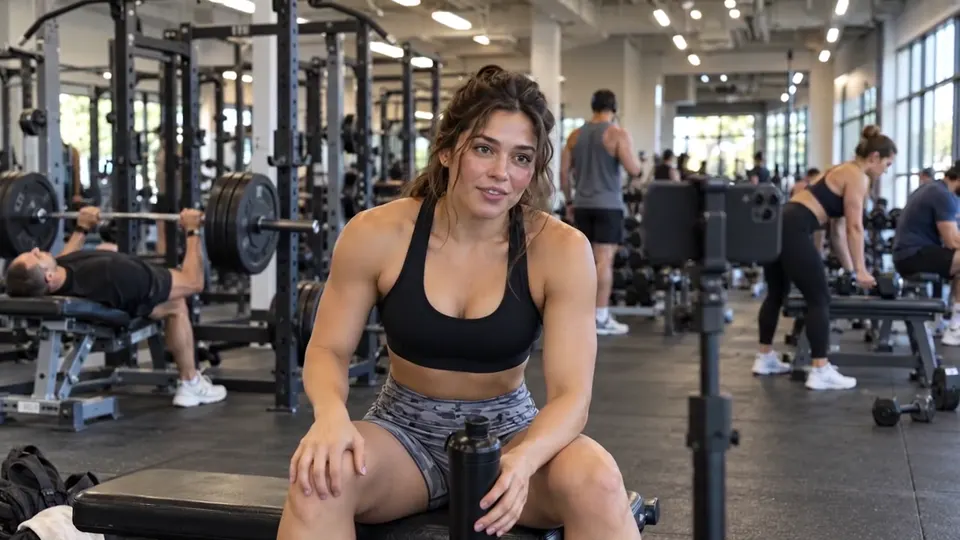 “Set three of five. Legs are on fire.”
 “Quick tip, slow down the way back up.”
 “Okay, last set. Let us go.”
Real result, not edited afterwards. The voice and video are AI-generated. Music: “Friendly Evil Gangsta Synth Hip Hop”, Mesostic (CC0).
For a clip like this, choose Voice and sound effects and leave both sliders at 100. If you plan to add a TikTok sound afterwards, it can help to pull Sound effects down a little so the new track and the room aren’t fighting for space.
Downloading and posting the clean clip
- 1Tap Process full video once the preview sounds right. The button shows how many minutes it will use before you commit.
- 2Download video (MP4). The picture is your original clip; only the sound has changed.
- 3Get the file into your gallery. If you’re on a phone, the phone guide shows where the download lands and how to save it.
- 4In TikTok, upload the clip and choose a sound. For a brand post, pick one from the Commercial Music Library; for anything else, choose any sound you like or leave it as it is.
- 5Set the new sound low enough that your voice is still the clearest thing in the mix, then watch it through once before you post.
Short clips cost very little. One minute is used per minute of sound, counted by the second, so a 45-second TikTok uses three quarters of a minute. New accounts come with 10 free minutes, enough for a lot of short posts; after that, packs start at $9.99 for 120 minutes and plans at $9.99 a month for 200 minutes (pricing).
Cleaning a run of clips
Creators who post every day often find the same song under a whole week of drafts. Run them one at a time. Each one can be remixed later for free, and all of them wait in My files for 3 days on a free account, 7 days on a paid one. If you want to edit them together afterwards, download Stems (ZIP) for each so you can balance the voices in your editor.
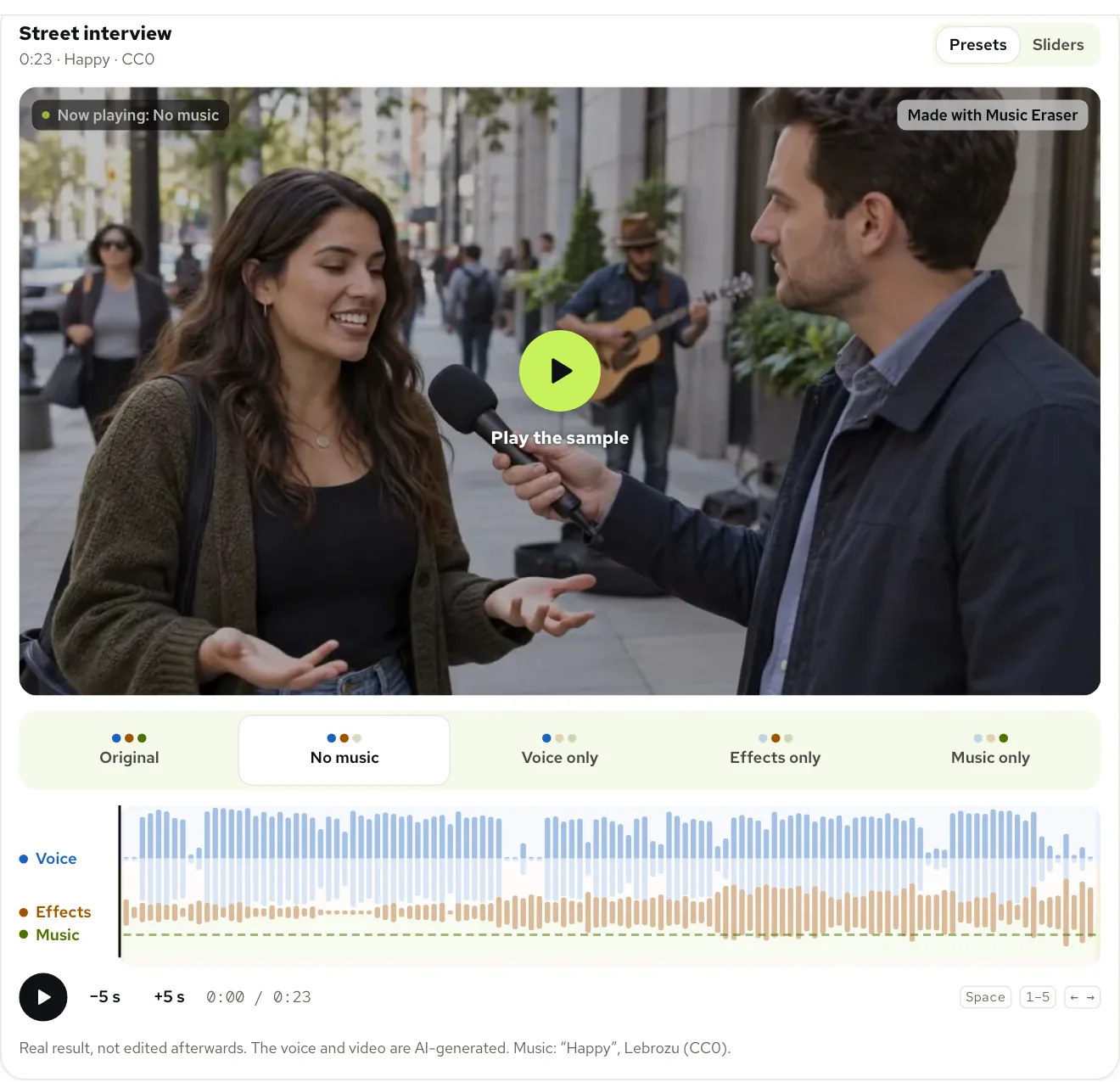
Posting the same clip to Reels too? Instagram has its own music rules, covered in removing music from Instagram Reels. And if the main thing you want to save is the background noise, keeping sound effects goes further into the mix.
Questions
Can I remove music from a TikTok I already posted?
Not from the posted copy itself. Take the song out of your original clip here, then post the clean version with whatever sound you choose.
What music can I use on a brand TikTok?
TikTok recommends only tracks from its Commercial Music Library for posts that promote a brand, product or service. For other music or original sounds it asks for a Music Usage Confirmation.
Will my voice sound different after the music is removed?
It shouldn’t. The voice stays as it was recorded; listen to the free preview with headphones before you process the whole clip.
Can I keep the background sounds and lose only the song?
Yes. Choose Voice and sound effects, and the room, footsteps or kitchen sounds stay while the music goes.
Is removing music from a TikTok free?
Yes, to start: the first 30 seconds of any clip is free, 3 times a day, with no account. New accounts get 10 free minutes for whole clips; after that, plans start at $9.99 a month for 200 minutes, or packs at $9.99 for 120 minutes.