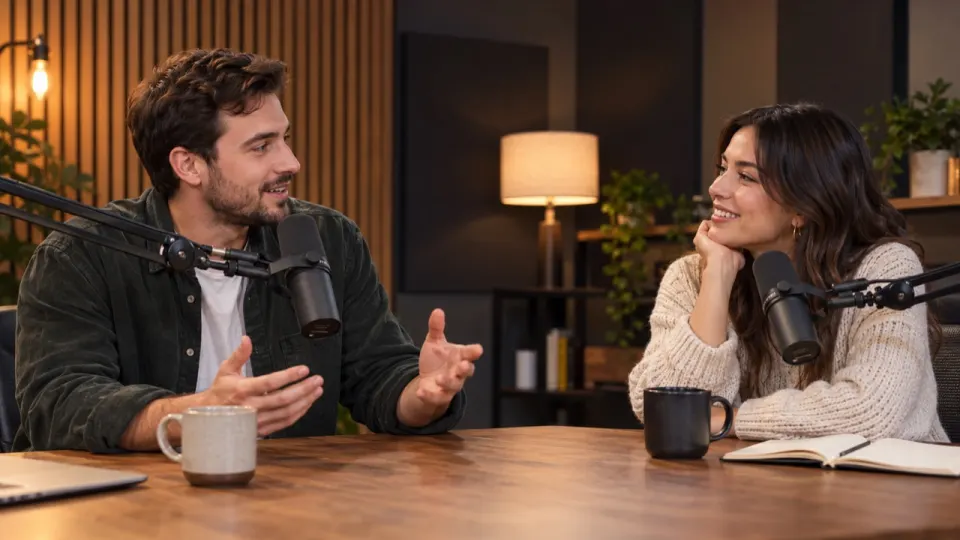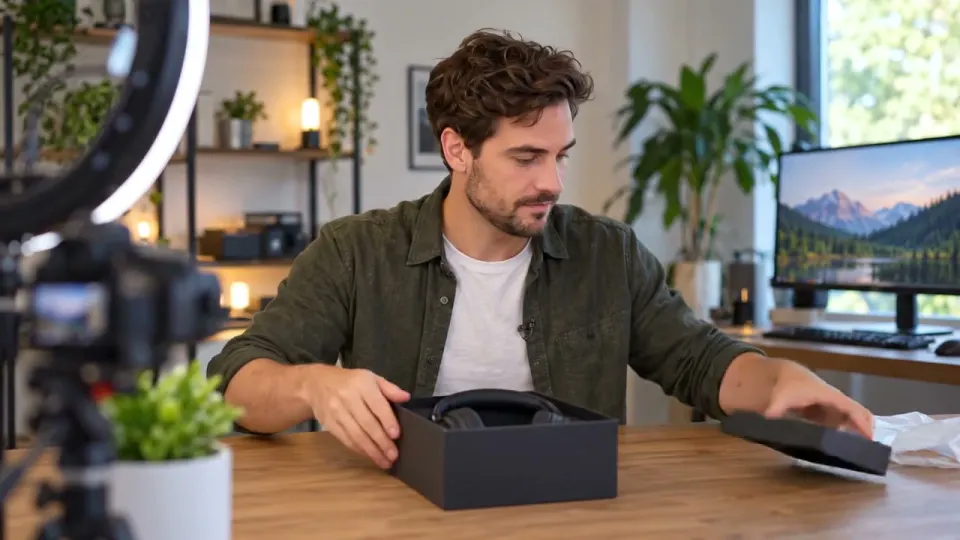
Pick by what is in the file. A video where people talk wants a voice isolator or Remove music, which keep the speech and drop the song. A song wants a vocal remover, which returns the singing and the instrumental as two tracks. When you need every part on its own timeline, use a stem splitter for voice, sound effects and music as three files. AI Music Remover runs all three, with a free preview of the first 30 seconds on each.
What is the difference between a voice isolator, a vocal remover and a stem splitter?
The three names get used as if they meant the same thing, and search results mix them freely. They don’t. Each one cuts the sound along a different line, so the same file put through each of them comes back in different pieces. Picking the wrong one is the most common reason people say a tool “took out the wrong thing”.
A voice isolator is about speech. It listens for people talking and treats everything else, songs included, as something to take away. A vocal remover is about songs. It splits a track into the singer and the band, and anyone talking counts as a singer. A stem splitter doesn’t throw anything away: it hands you every part as its own file, so you decide later what to keep.
| Mode | What you keep | What you get | Use it for |
|---|---|---|---|
| Voice isolator | Only the people talking | One mix, voice up and the rest down | Interviews, lectures, voice-overs, captions |
| Remove music | The talking and the sounds of the place | One mix without the song | Vlogs, gameplay, short films, events |
| Vocal remover | The singer or the band, your choice | Two tracks: Vocals and Instrumental | Karaoke, backing tracks, a cappellas |
| Stem splitter | Everything | Three tracks: Voice, Sound effects, Music | Rebuilding the sound in your editor |
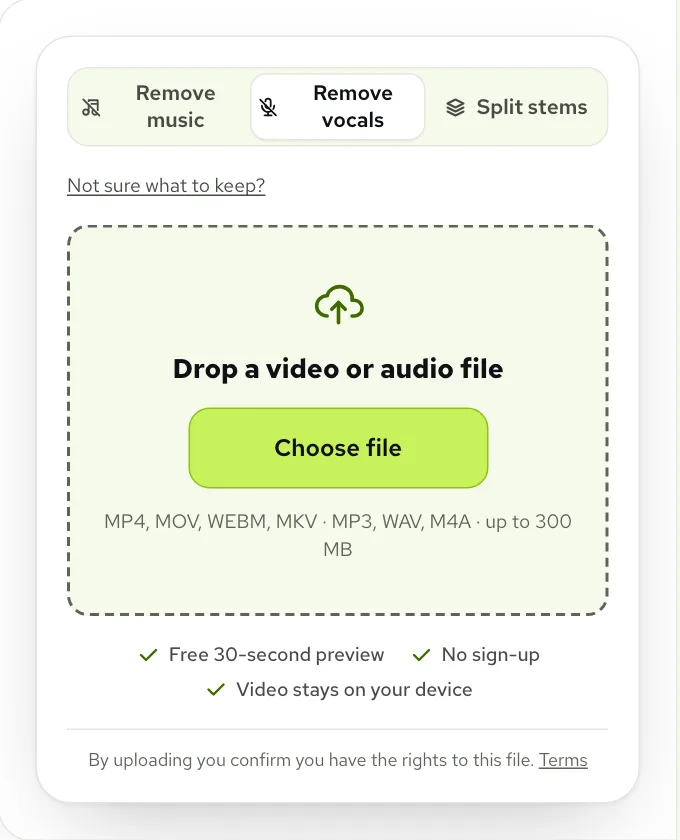
In AI Music Remover these are the three choices under What to remove: Remove music, Remove vocals and Split stems. The voice isolator is Remove music with the sound effects turned down too. If you can’t decide, Not sure what to keep? asks the question the other way round, by what you want to end up with, and sets the mode for you.
When to use a voice isolator
Use it when the words are the only thing that matter. A reporter on a loud street, a teacher with a beat under the class, a guest on a call: the goal is a clean voice you can caption, translate or lay over new music. On the Voice Isolator page the tool opens already set to Voice only, so the first preview you hear is the speech with everything else gone.
The street interview below shows why this is a separate choice from plain Remove music. A reporter asks a cyclist about bike lanes while a shop speaker plays a song and traffic goes past.
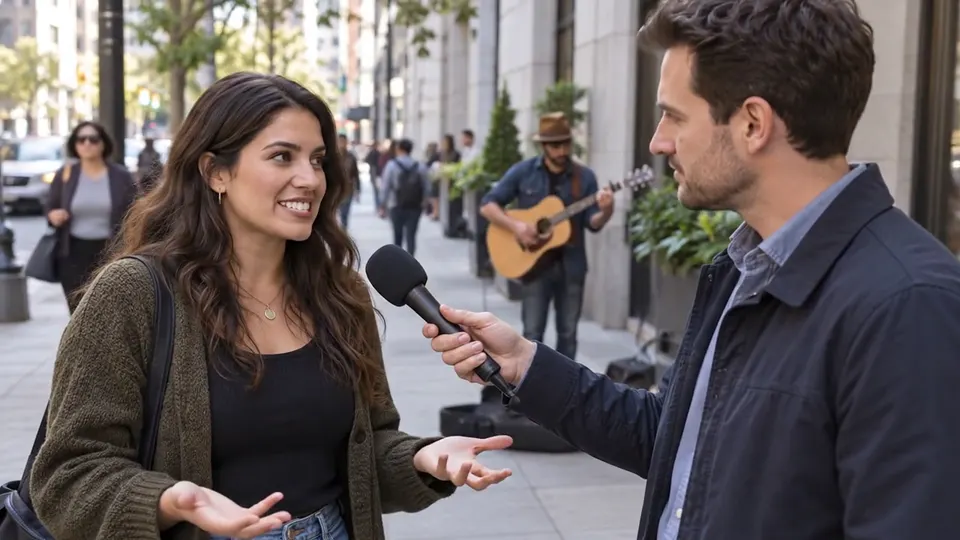 “What do you think of the new bike lanes?”
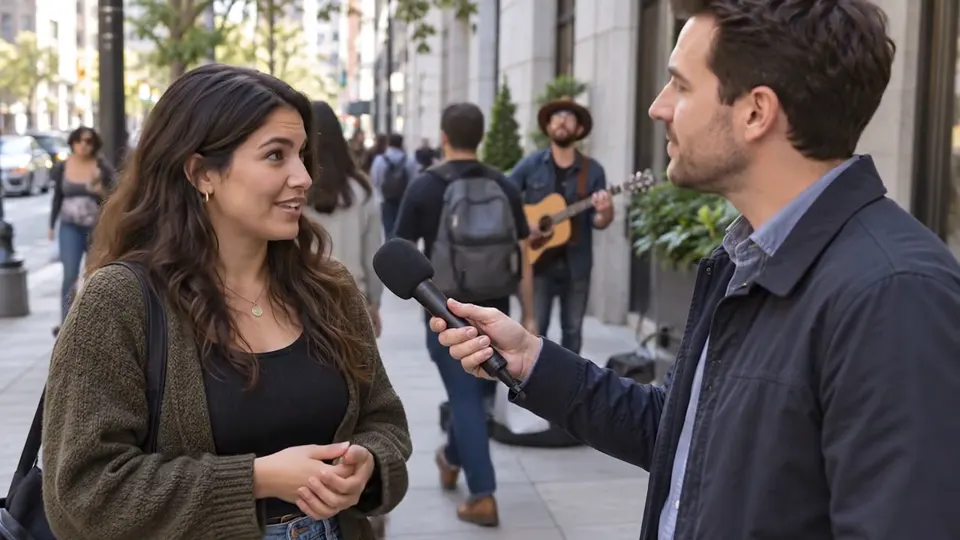 “Honestly, I ride to work every day now. It is so much safer.”
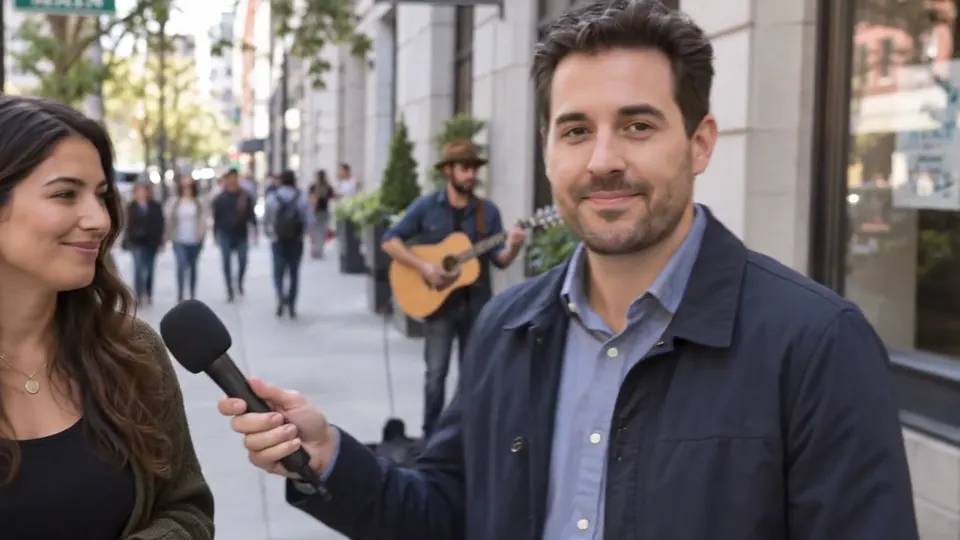 “There you have it, reporting from Main Street.”
On Voice only the shop song and the street both drop away and the two speakers are left. That is right for a transcript and often wrong for the video itself, because a street with no traffic sounds odd on screen. For the picture, Remove music is usually the better pick: the bikes and footsteps stay, and only the song goes. Between the two, the sliders let you keep some of the street, for example Sound effects at 20, which is how the voice isolator page sets up “A voice that still sounds like the room”.
When to use a stem splitter
Use it when you don’t want the tool to make the decision for you. Split stems returns three files that run the full length of your recording and line up with each other: Voice, Sound effects and Music. Put them back together at full volume and you have the original. Put them on three tracks in your editor and you can duck the music under a line, cut a noise, or replace the song entirely.
A stream clip makes the point well, because it has three things you might treat differently: a streamer shouting at chat, a mouse clicking, and music playing behind the game.
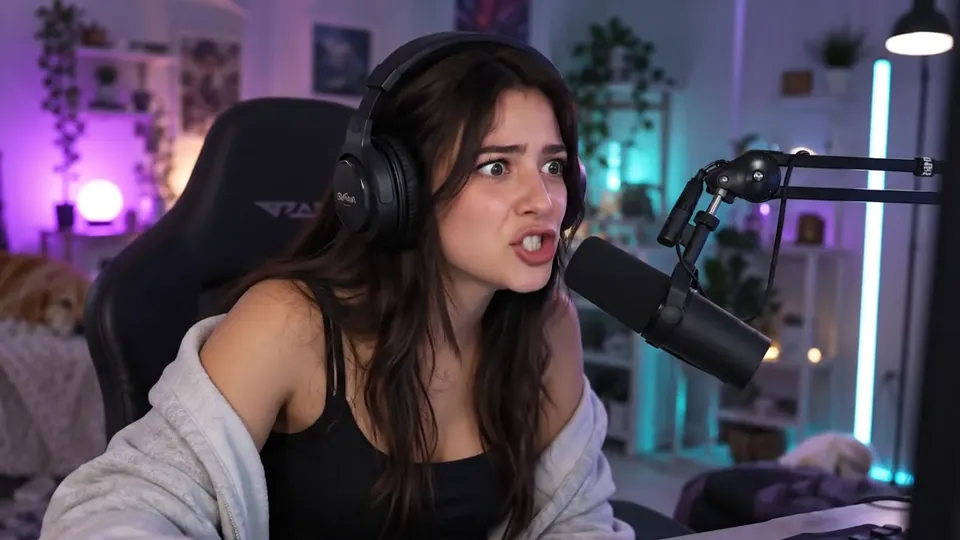 “Chat, chat, look at this, he has no idea I am here.”
 “No way. No way that just worked.”
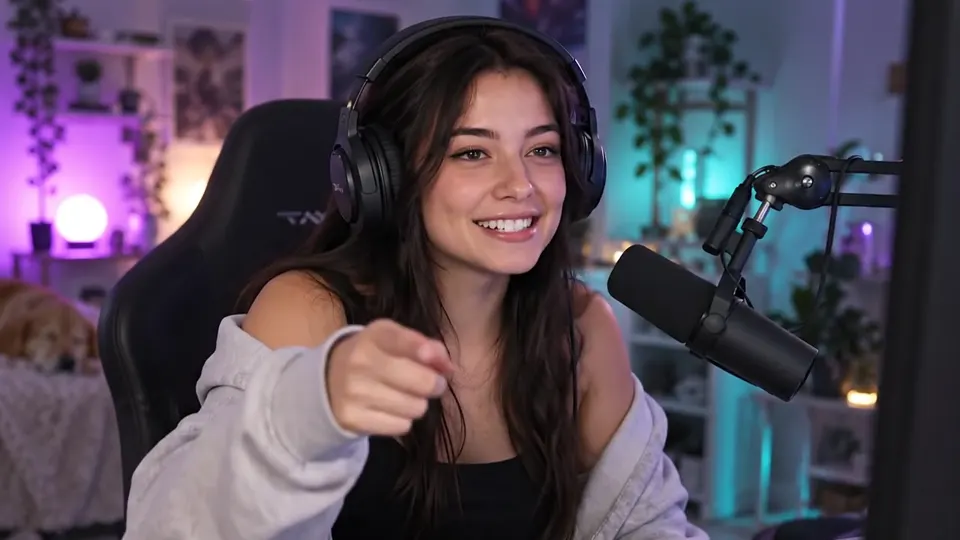 “Okay, clip that. Somebody clip that right now.”
Real result, not edited afterwards. The voice and video are AI-generated. Music: “Dance of the Electronic Fairies”, Monplaisir (CC0).
Play the clip on each tab in turn. Voice only is the streamer, Music only is the track behind the game, and Effects only is the desk itself. With a stem splitter each of those comes out as a separate file in Stems (ZIP), so you could keep the clicks for a reaction edit, swap the song for one you licensed, or drop both and keep the shouting.
When to use a vocal remover
Use it when the file is a song and you want the singer and the band apart. Remove vocals returns two tracks, Vocals and Instrumental, and two quick settings: Remove vocals keeps only the instrumental, and Vocals only keeps only the singing. You can download either as MP3 or WAV, or both in a ZIP. If you uploaded a video, you can also download the same video with the vocals taken out.

Three of our tool pages are the same mode with a different starting point, set up for the job in their name:
- Karaoke Maker: Vocals 0, Instrumental 100, a backing track to sing over. Set Vocals to around 15 instead if you want a guide voice to follow.
- Instrumental Maker: the same split with the instrumental as the thing you take away, for a beat, a cover or a practice track.
- Acapella Extractor: opens on Vocals 100, Instrumental 0, so the first thing you hear is the voice without the band, for remixes and samples.
The vocal remover works best on studio recordings. On a live recording with a lot of echo, or where an instrument plays the same line as the singer, a faint trace can stay in the wrong track. Listen for it in the free preview before you process the whole song.
Why a vocal remover is the wrong tool for a vlog
It is tempting to reach for the vocal remover on any file with a song in it, because the name sounds right. On a video with talking it does the opposite of what you want. It counts speech as vocals, so the person speaking lands in the Vocals track. The cups, doors, applause and traffic count as part of the instrumental and land with the song. Keep the vocals and the room goes silent; keep the instrumental and you have lost the speaker.
Remove music splits along a different line, with sound effects on a track of their own, and that is what lets a talking video keep its place. The Vocal Remover page says the same thing in its own questions: it is built for songs, not talking. For a full walk through on a video, see how to remove music from a video.
| The problem | Why it happens | The fix |
|---|---|---|
| The speaker vanished | Remove vocals treated the talking as singing | Switch to Remove music |
| The video went strangely quiet | Voice only also drops the sound effects | Use Remove music, or raise Sound effects |
| A song’s lyrics are still under the voice | Singing is a voice, so Remove music can keep some of it | Tap Still hear music?, then try Remove vocals if it is mostly a song |
| Only part of the music needs to go | A one-mix mode can only turn tracks up or down | Use Split stems and edit the three files |
| A trace of singing on a live recording | Echo or a doubled instrument carries the voice into the band | Tap Still hear vocals? for a deeper pass |
Can I switch modes after the preview?
Yes. The choice under What to remove stays open after the preview, and the tool tells you so: you can change it once you have heard the result. How much it redoes depends on which two modes you move between.
- Remove music and Split stems use the same separation. Moving between them, or between Voice only and the full Remove music mix, changes nothing but the levels, so it is instant.
- Remove vocals splits the sound a different way, into vocals and instrumental, so moving to it or away from it runs a new preview.
- The sliders change only the mix. Drag them as much as you like; the download uses the mix you leave them on.
Once one of them sounds right, process the whole file. It uses minutes equal to its length: a new account starts with 10 free minutes, and after that packs start at $9.99 for 120 minutes and plans at $9.99 a month for 200 minutes. Any mode can open files up to 10 minutes on free minutes and up to 100 minutes with a plan or pack. More on pricing.
Questions to ask any vocal remover or stem splitter
Whatever tool you try, these questions sort out quickly whether it does the job you need. Our answers follow each one.
- Does it keep sound effects separate from music? Here, yes: Remove music and Split stems both give them their own track.
- How many stems does it return? Split stems gives three, Remove vocals gives two.
- Can I hear a result before I pay? Yes, a free preview of the opening of the file in every mode.
- Do the stems line up and add back up to the original? Yes, all three run the full length.
- Can I change the mix after processing? Yes, within the time the file is kept in My files, without spending minutes again.
- Does it take a video, or only audio? Both. A video comes back as the same video with the new sound.
Questions
Is a voice isolator the same as a vocal remover?
No: a voice isolator keeps the people talking, and a vocal remover splits a song into the singer and the band. Use the first for speech, the second for music.
Is there a free vocal remover and stem splitter?
Yes, the preview of the first 30 seconds is free in every mode with no sign-up, 3 times a day. A new account adds 10 free minutes for whole files, and after that plans start at $9.99 a month for 200 minutes, or packs at $9.99 for 120 minutes.
What is the best stem splitter for a video with talking?
One that keeps sound effects on their own track. Split stems returns voice, sound effects and music, so the room stays usable instead of landing in the music.
Can a vocal remover keep the voice in a video?
It can, but it takes the background sounds away with the music. Remove music is the better choice for a video, because it keeps the talking and the room.
Which one do I need for karaoke?
A vocal remover. The [Karaoke Maker](/karaoke-maker) opens on Remove vocals with the instrumental only, ready to sing over.