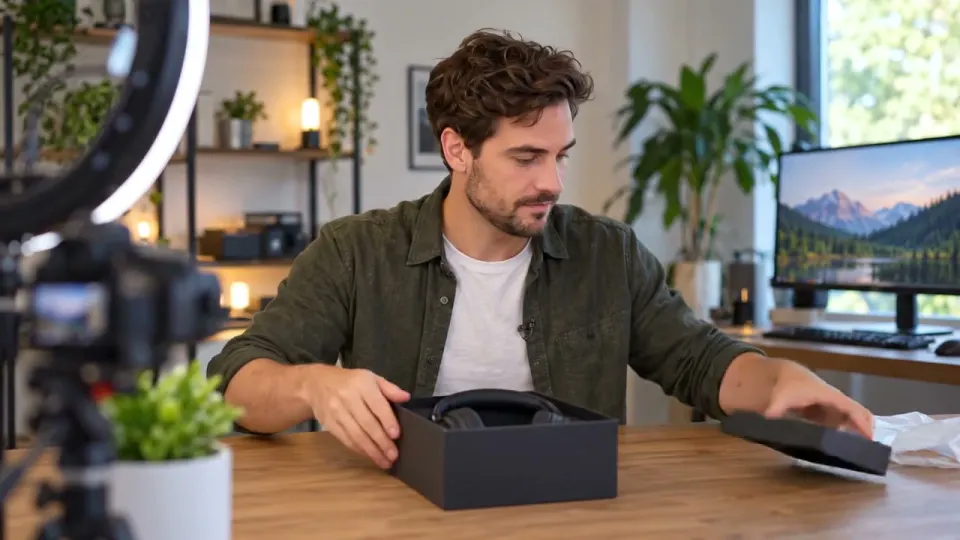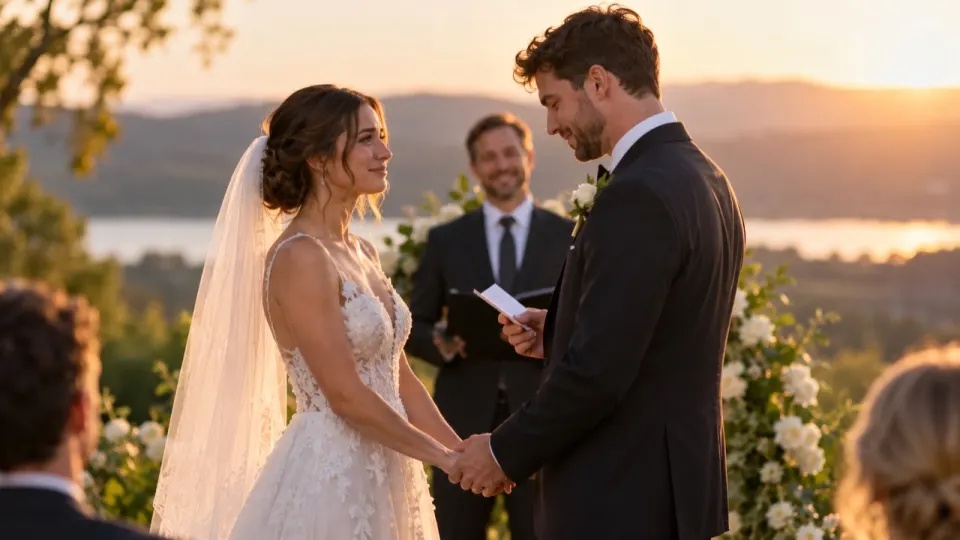
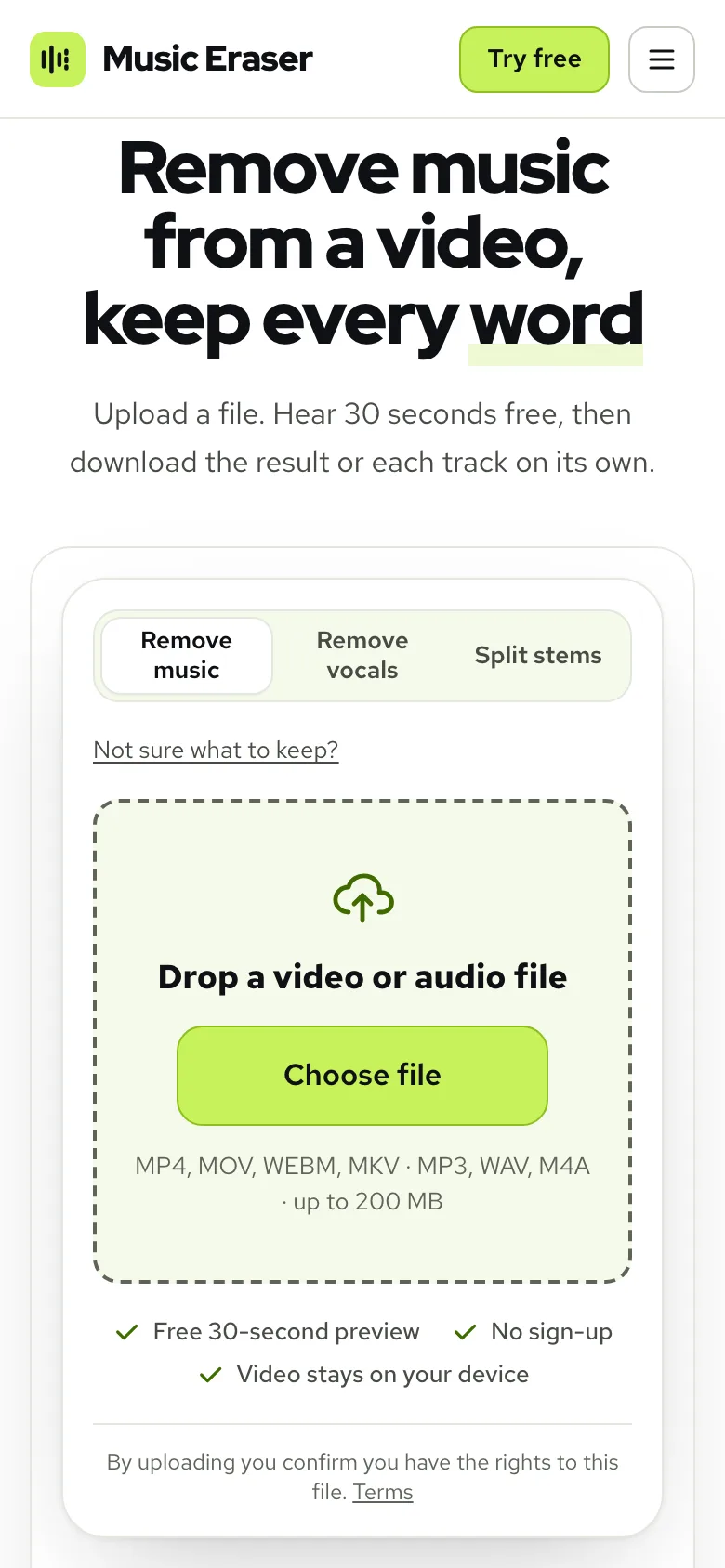
Open the wedding clip in AI Music Remover, leave the mode on Remove music and play the free preview of the first 30 seconds: the vows, the laughter and the applause stay, the song under them goes. If you want a little of the music back, switch the player to Sliders and set Music to 15 or 20 before you process the full video.
Why you can’t just mute the song in a wedding video
Wedding footage is full of music nobody planned to keep. A string trio plays through the vows, the venue speakers run a playlist during the speeches, the DJ starts the first song a beat before the toast ends. Later you want to cut a short film, send the vows to a grandparent, or put your own song under the highlights, and the old music is mixed into the same sound as every word that matters.
You can’t mute it in an editor, because there is only one sound track: the voices and the music arrive together. Turning the whole track down loses the vows with it. What you need is to pull the sound apart into its pieces, which is what AI Music Remover does. It splits the sound into three tracks, Voice, Sound effects and Music, so you can drop the music and keep the rest of the day.
The Sound effects track matters more at a wedding than almost anywhere else. Applause, laughter, a glass being tapped, chairs moving as people stand: those are the sounds that make a ceremony feel like a ceremony. A tool that only keeps “the voice” throws them away with the music.
The example we use
Through this guide we walk one real file: an outdoor ceremony in three shots, with the couple trading vows and the officiant closing it out. Under it plays Golden Slippers, a 1909 recording, and the guests clap near the end, at about 0:21.
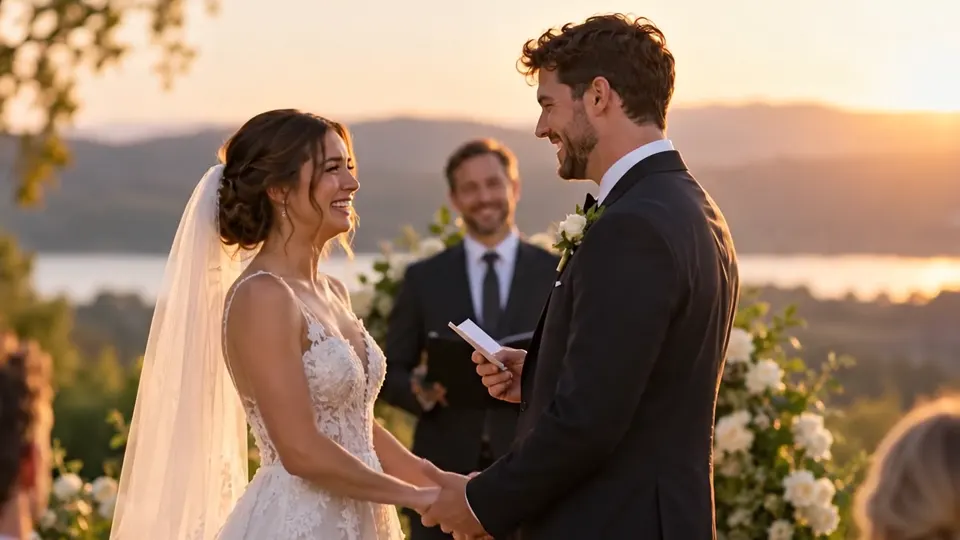 “I promise to laugh at your jokes, even the bad ones.”
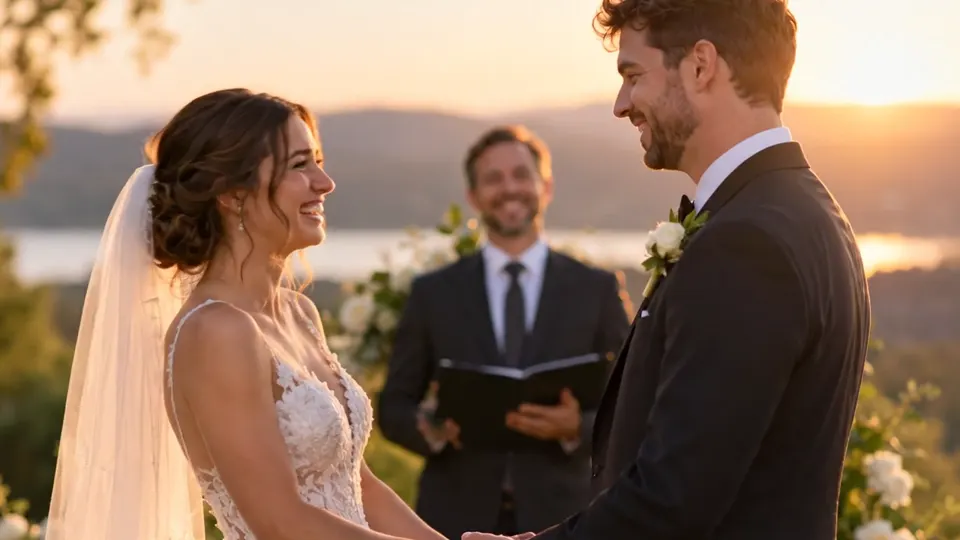 “And I promise to let you pick the movie. Sometimes.”
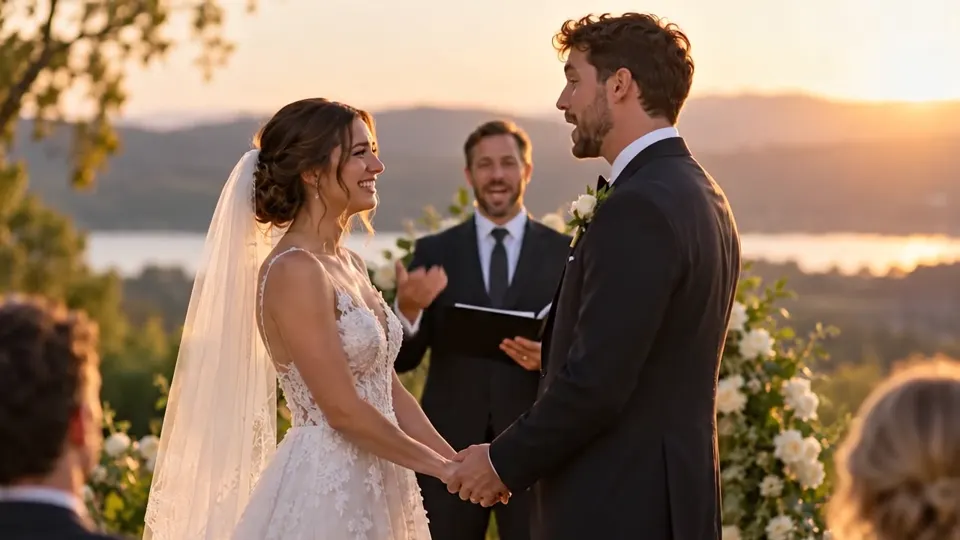 “Then by the power vested in me, you may kiss.”
It is a short clip, but it has everything a real ceremony has: two voices at different distances from the camera, an officiant who speaks louder than the couple, music that runs the whole way through, and applause that should stay. Your own footage will be longer; the way you check it is the same.
How to remove background music from a wedding video
- 1Choose the video. MP4, MOV, WEBM and MKV all work, up to 1.5 GB on a computer. Only the sound is uploaded; the picture stays on your device.
- 2Leave What to remove on Remove music. That keeps Voice and Sound effects and drops Music.
- 3Play the free preview of the first 30 seconds. No account needed, 3 previews a day.
- 4Listen on headphones, in the quiet moments between lines and during the applause.
- 5If a trace of the song is left, tap Still hear music? for a free deeper pass, or adjust the sliders.
- 6Tap Process full video, then download the MP4, or take the stems if an editor is cutting the film.
What to listen for before you pay
Here is the real result on the wedding example. Press play on No music, then switch to Original and back. The tabs change the mix while it plays, so you hear the difference at the same moment of the vows.
Real result, not edited afterwards. The voice and video are AI-generated. Music: “Golden Slippers”, Fisk University Jubilee Singers (public domain).
Three things decide whether a wedding result is usable. First, the vows: they should sound like the same two people in the same open air, not thinner or further away. Second, the applause at the end: on No music it stays, because it sits in Sound effects, not in Music. Third, the pauses: between “even the bad ones” and the next promise there is a gap, and a gap is where any leftover music is easiest to hear.
Do this check in earbuds or headphones, not on the laptop. A wedding film gets replayed for years, often by relatives on a phone held to the ear, and they will catch a faint chorus you missed through tinny speakers.
Can you keep the song quieter instead?
Yes. Taking the song out entirely is only one option. Plenty of couples want the reception to still feel like a party, just with the toasts on top. In the result player, open Sliders and pull Music down to whatever level suits the scene; it moves as you drag, and whatever you set is what gets downloaded.
Around 20 keeps the song audible without fighting the words. Around 10 it becomes more of a feeling than a tune. If the officiant is quieter than the couple, or the other way round, the voice is already at full level, so bring Music down rather than trying to push Voice up.
The opposite works too. If you plan to put a new song under the highlights, take Music to 0 and keep Sound effects where it is, so the applause and laughter carry through under your new track.
When to drop the room sounds too
Sometimes you only want the words: a vow read aloud at an anniversary, a speech clipped for a slideshow, a voice to lay over still photos. Then pick Voice only, or set Sound effects to 0 on the sliders. Compare it with the No music mix above and you hear what the effects track was carrying.
For the ceremony itself, keep the applause. A wedding with the clapping taken out sounds oddly empty, and guests notice even if they can’t say why. We wrote a whole guide on keeping sound effects while you remove music if you want the details.
Handing it to an editor
If you or a videographer cut the film in an editor, the stems are often more useful than a finished mix. Choose Split stems, or download Stems (ZIP) after a Remove music run. You get Voice, Sound effects and Music as three separate files that line up with the original video from the first frame.

Put the three files on three tracks in the editor. Now the music can come up between speeches and drop away under them, the applause can be lifted after the kiss, and nothing has to be done again if the cut changes.
| Download | Best for |
|---|---|
| Download video (MP4) | Sharing the ceremony as it is, with the new mix. The picture is your original, frame for frame. |
| Download audio (MP3) | Sending the vows as sound only |
| Audio (WAV) | Laying the mix under a new edit in full quality |
| Stems (ZIP) | Voice, sound effects and music as three files for an editor |
What it costs and how long it takes
The preview is free. A full file uses one minute per minute of sound, billed by the second. New accounts get 10 free minutes, enough for a vow exchange or a couple of speeches. After that, packs start at $9.99 for 120 minutes and plans at $9.99 a month for 200 minutes; see pricing.
An hour of reception footage is not a coffee break job, but it is not an overnight one either; a long file takes a few minutes. Leave the page if you like, the email arrives when the file is done. A run that fails on our end refunds its minutes automatically.
Results stay in My files for 3 days on a free account and 7 days on a paid one, so you can come back, try a different music level and download again without paying twice.
Problems, causes and fixes
Weddings bring a few situations that are harder than a vlog. The preview tells you within seconds which one you have, so it’s worth running before you spend any minutes.
| Problem | Cause | Fix |
|---|---|---|
| Part of a soloist’s singing stays with the vows | Singing is a voice, so it can land on the Voice track | Tap Still hear music?, or leave that song section as it was filmed |
| Faint band traces between sentences | The band was louder than the person speaking | Run Still hear music?, then set Music to 10 or 15 so the traces read as a bed |
| The crowd drowns the couple | The camera was far away and the guests were close | Bring Sound effects down to 60 or 70 |
| The church sounds flat after the music goes | The reverb of the hall was cut with the music | Keep Sound effects at 100; the space lives there |
If the only good copy of the vows was filmed on a phone in the back row, the result still depends on how clearly the words were caught. Separating the sound doesn’t add detail that the microphone never heard.
Questions
Can I remove music from a wedding video for free?
Yes for a test: the first 30 seconds preview free, 3 times a day, without an account. New accounts get 10 free minutes for full files, which covers the vows or a short speech; after that, plans start at $9.99 a month for 200 minutes, or packs at $9.99 for 120 minutes.
Will the applause and laughter stay?
Yes, on Remove music. Applause, laughter and room sounds go to the Sound effects track and stay in the mix unless you turn them down.
Does removing the music lower the video quality?
No, the footage is untouched. Your browser sends us the sound alone, then joins the cleaned sound back onto the video you already have, so color, framing and quality stay as the videographer delivered them.
Can I lower the wedding music instead of removing it?
Yes, the Music slider goes from 0 to 100, so you can keep the song as a soft bed. A setting of about 20 sits under the vows without competing with them.
Can I get the voices, effects and music as separate files?
Yes, the Stems (ZIP) download gives you exactly that: Voice, Sound effects and Music as three files you can place on separate tracks in an editor.