Twitch mutes the part of a VOD where its scanning service recognises a song, and Twitch says that mute is not a DMCA notification or a strike. If you own or licensed the track, or never played it, you can appeal. To post the stream somewhere else, take the song out of your saved copy with Remove music and Voice and sound effects, which keeps your commentary and the game; the first 30 seconds are free to check.
What a muted section actually is
You open last night’s broadcast and a stretch of it plays in silence, or the Video Producer timeline shows red lines across the bar. Twitch says it runs audio recognition, through a third-party scanning service, over past broadcasts and clips. When that service matches a song, the matching portion of the VOD is muted, and any clips that were cut from that portion are deleted.
The mute is about the recording, not about you as a creator. Nothing has been sent to you by a rights holder at that point, and nothing on your account has changed. It is simply Twitch silencing the part of the replay where it heard the track.
There is one exception worth knowing. Twitch says that if three or more detections land within 24 hours, you get a notification and an email, and the Always Publish VODs setting is switched off. If your replays suddenly stopped appearing after a music-heavy weekend, that is the likely reason, and it is worth checking the setting before your next stream.
Is a muted VOD a strike?
No. Twitch says plainly that a muted portion is not a DMCA notification and does not count as a strike. Strikes come from a different path: a rights holder sends Twitch a complete DMCA notice about your content, and Twitch acts on it.
| Muted section | DMCA strike | |
|---|---|---|
| Who starts it | Twitch’s scanning service | A rights holder, with a notice |
| What changes | That part of the VOD goes silent; clips from it are removed | A strike on your account |
| Counts against you | No, according to Twitch | Yes; Twitch says three strikes generally make an account a repeat infringer that can be closed |
| Does it expire | The mute stays on that VOD | Twitch says strikes expire, but doesn’t publish when |
So a mute is a warning light, not the penalty. It does tell you something useful, though: the song in that stretch is one Twitch recognises, and the same recording is likely to be recognised again on any platform that scans uploads. Twitch’s Community Guidelines also ask streamers not to play music they don’t own or have rights to, and that includes music sitting quietly in the background.
When an appeal is worth it
Twitch lets you appeal muted audio. The cases it describes are the ones you would expect: you own the track, you have a licence for it, or you never played it at all and the scanner got it wrong. A synth pad in your own intro, a song you wrote, or a game soundtrack mistaken for a commercial release can all fall into that last group.
- Appeal if you have proof you’re allowed to use the song, or if the flagged stretch has no song in it.
- Don’t bother if the music really was someone else’s track you had no rights to. The mute is the mild outcome; drawing attention to it doesn’t help.
- Remember that an appeal on Twitch only covers Twitch. Twitch notes that rights holders can still send a DMCA notice, and other platforms run their own checks.
For most streamers the honest answer is that the music was a playlist running under the game, and the VOD is still worth keeping for the commentary. That’s where cleaning the recording comes in.
Cleaning a saved VOD before posting it elsewhere
Plenty of streamers cut their broadcasts into highlight videos for YouTube, Shorts or TikTok. If the playlist is still in that footage, those uploads run into the same problem the VOD did. Muting the whole file is no good either: a gameplay video without your voice and the game’s sounds is nothing. What you want is the stream minus the song.
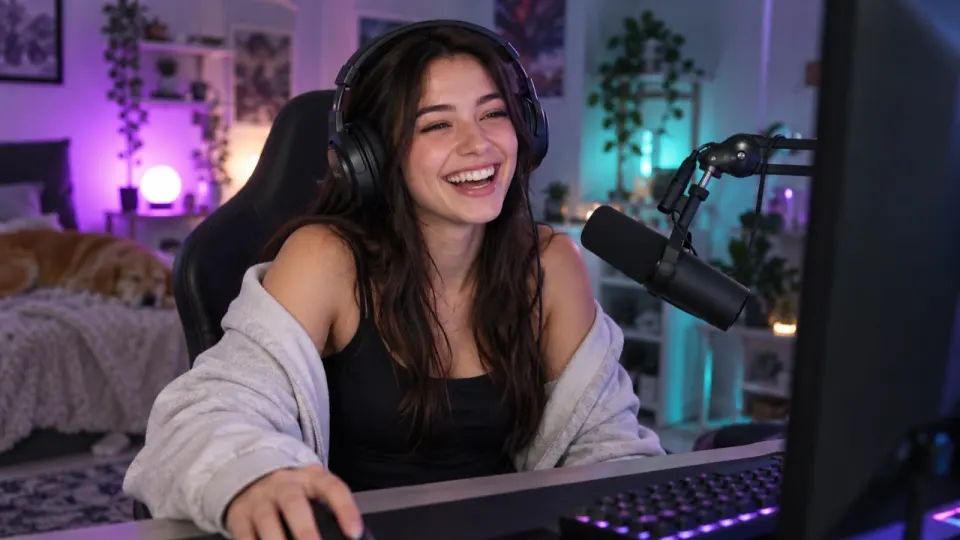
Here is our gameplay stream example. The streamer talks to chat over a game with an electronic track playing on the desk speakers, and there is a burst of mouse clicks around sixteen seconds. It’s 23 seconds long, like all our examples.
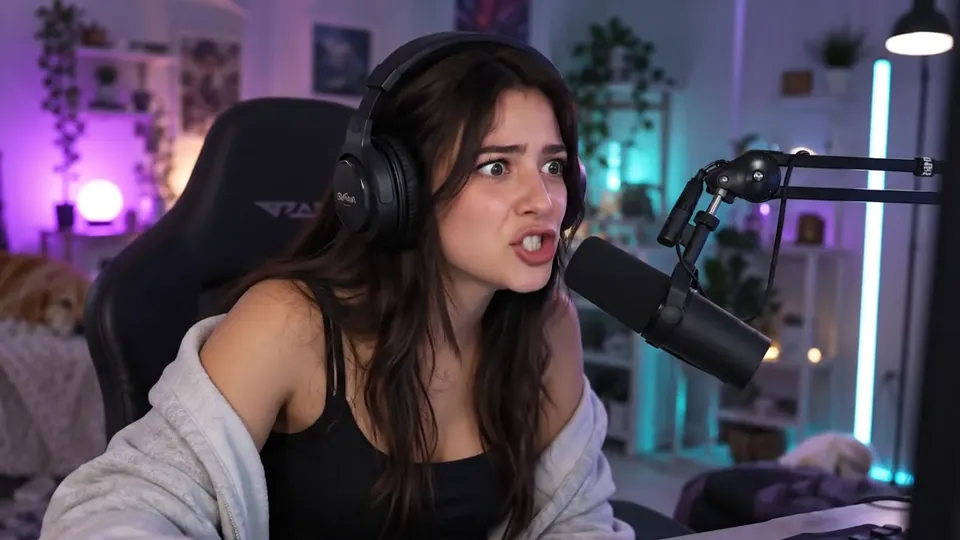 “Chat, chat, look at this, he has no idea I am here.”
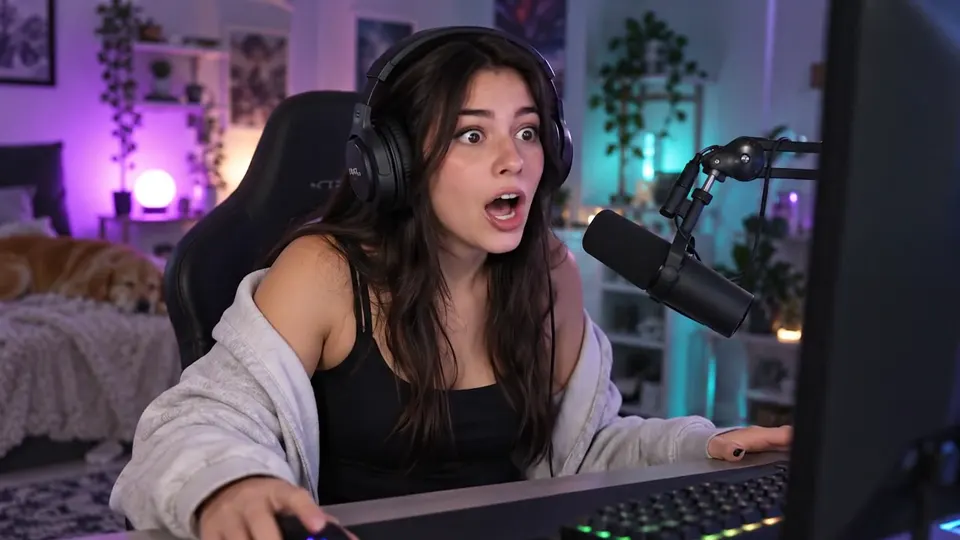 “No way. No way that just worked.”
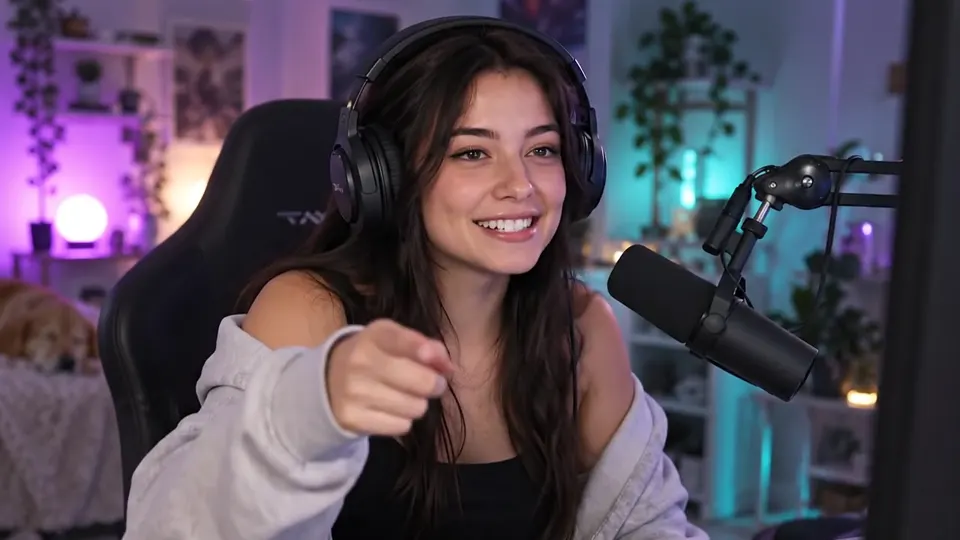 “Okay, clip that. Somebody clip that right now.”
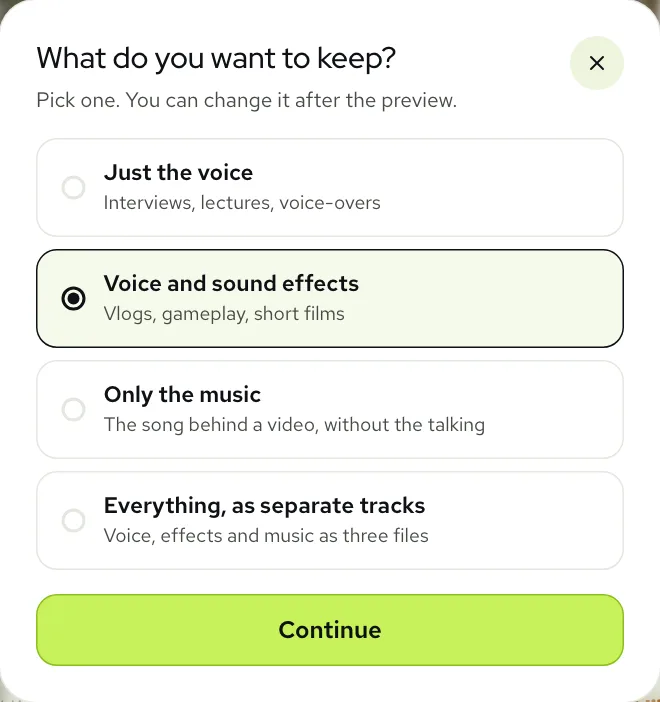
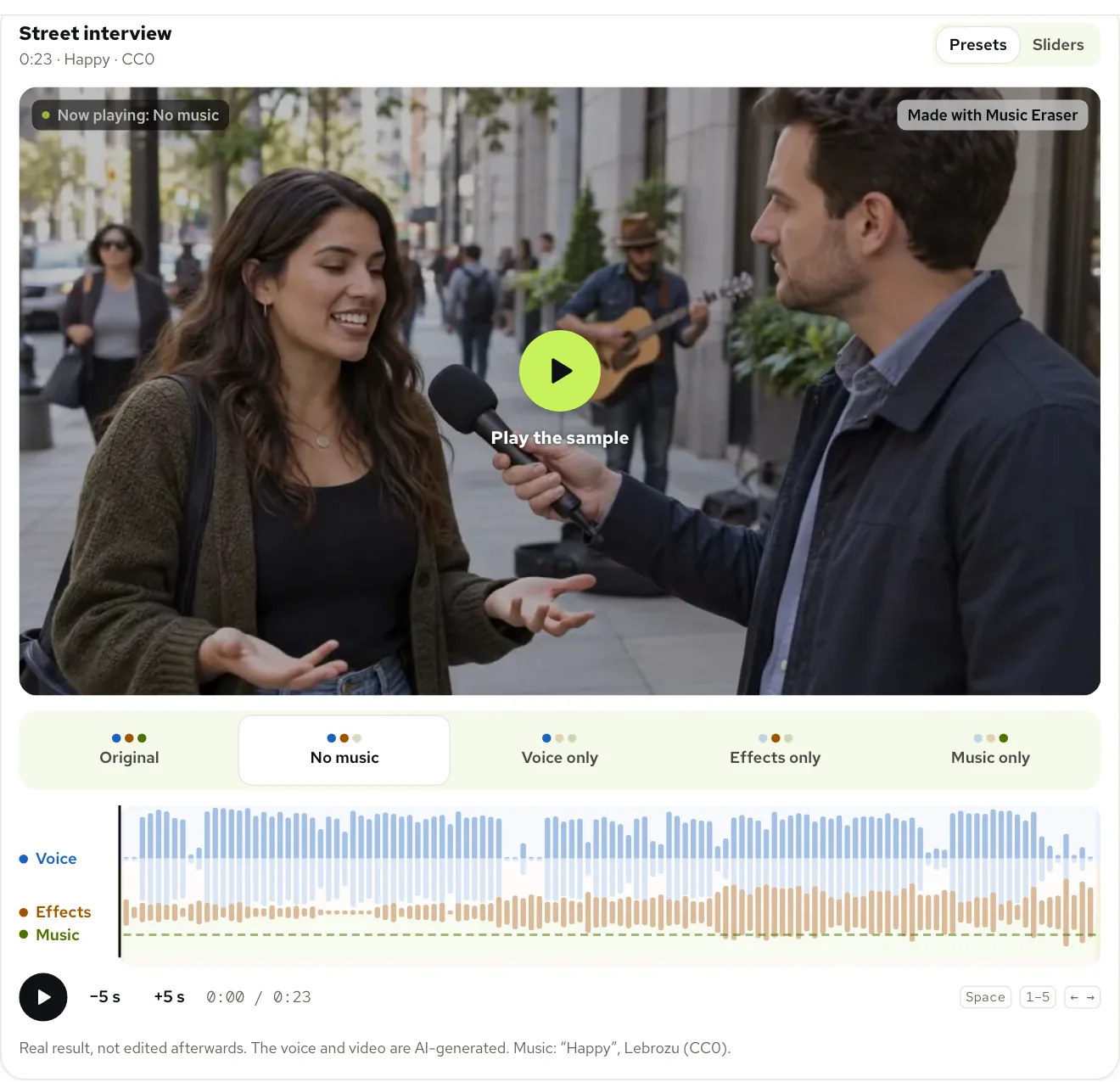
The goal for a stream is different from an interview. You don’t want only the voice; the clicks, the game and the room are part of what makes it a stream. So the right choice in the tool is to keep both the voice and the sound effects and drop only the music.
Real result, not edited afterwards. The voice and video are AI-generated. Music: “Dance of the Electronic Fairies”, Monplaisir (CC0).
Two things to listen for in your own result. First, the quiet bits between callouts, because leftover music is easiest to hear where nobody is talking. Second, the game’s own soundtrack, if it has one: a game score is music too, and the tool treats it that way. If you want the game music kept, pull the Music slider up a little in the Sliders view rather than leaving it at zero.
From saved broadcast to clean file
- 1Get the broadcast onto your computer as a video file. MP4, MOV, WEBM and MKV all work, so whatever your recording or download gives you is usually fine.
- 2Open Remove music from video, click Choose file and pick it. The free preview runs on the first 30 seconds; if the music starts later, trim the file so the preview lands on a stretch with music.
- 3Click Not sure what to keep? and choose Voice and sound effects, or stay on Remove music, which does the same thing.
- 4Listen to the preview with headphones. If a trace of the song is still there, try Still hear music? under the result; it’s a second, deeper pass at no extra cost.
- 5Click Process full video, then Download video (MP4). If you edit in a separate program, Audio (WAV) or Stems (ZIP) may suit you better.
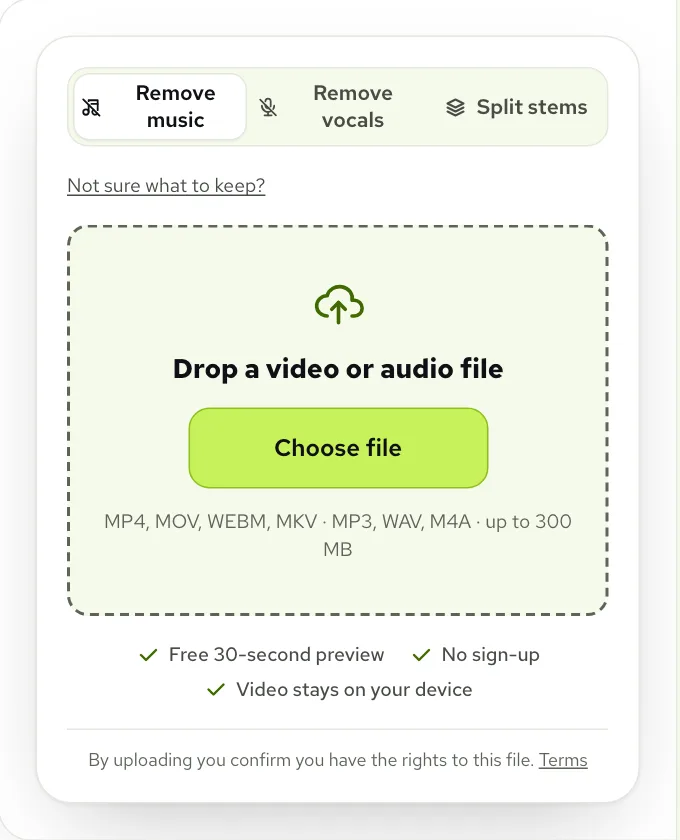
Streams are long, so check the limits before you start. A single file can be up to 1.5 GB and 100 minutes long on a paid account, 10 minutes on a free one. A four-hour broadcast needs cutting into parts first, and most people only need the highlights anyway. One minute is used per minute of sound, counted by the second; new accounts get 10 free minutes, and packs start at $9.99 for 120 minutes (pricing).
You don’t have to keep the tab open on a long file. Close it and we email you when the result is ready, and it waits in My files when you come back.
Getting the mix right for viewers
With the playlist gone, some streams feel oddly empty. That’s a mix problem, not a fault in the result, and it’s quick to fix. Switch the player to Sliders and set Voice, Sound effects and Music separately from 0 to 100. The download uses exactly what you set.
- Commentary too loud against the game? Leave Voice at 100 and lift Sound effects a touch; nothing else changes.
- Keyboard and mouse too busy? Bring Sound effects down to 60 or 70 rather than to zero, so the room still sounds lived in.
- Planning to lay your own licensed track or a game score under it in the editor? Download Stems (ZIP) so the voice and the effects arrive as separate files.
Changing the mix later costs nothing. Results stay in My files for 3 days on a free account and 7 days on a paid one, and remixing a finished file uses no extra minutes.
Keeping the next VOD clean
Cleaning recordings after the fact works, but it’s easier not to need it. The simplest habit is to keep music on its own audio source in your streaming software, so you can turn it off for the replay or leave it out of a separate recording. If you play music live, choose tracks you have rights to and keep the proof somewhere you can find it if you ever need to appeal.
For the platform you’re moving the footage to, our YouTube copyright guide covers what to do with a claim there, and keeping sound effects while removing music goes deeper on the mix. You can hear the gameplay stream and eleven other examples side by side on the examples page.
Questions
Does a muted Twitch VOD count as a strike?
No. Twitch says a muted portion is not a DMCA notification and is not a strike; strikes come from complete DMCA notices sent by rights holders.
Why did my VODs stop saving automatically?
Probably because of repeated detections. Twitch says three or more within 24 hours trigger a notification and an email and turn off Always Publish VODs, so check that setting.
Can I get the sound back on a muted VOD?
Only through an appeal on Twitch. Twitch lets you appeal if you own or licensed the track, or didn’t play it; otherwise clean your own saved copy instead.
Will removing the music keep my voice and the game?
Yes, with Voice and sound effects. Your commentary, clicks and game sounds stay, and only the music track is taken out. A game’s own soundtrack is music too, so if some of it goes with the song, raise the Music slider to bring it back.
Can I process a whole four-hour stream?
Not in one file. The limit is 100 minutes on a paid account and 10 minutes on a free one, so cut the broadcast into parts or just the highlights first.