Remove the music from your Short
Short blocked or claimed for its song? Upload your own copy, keep your voice, and add a track from YouTube’s Audio Library.
The class stays, the speaker music goes
Short videos, before and after
Every sample went through the same tool on this page. Pick one and play it before and after.
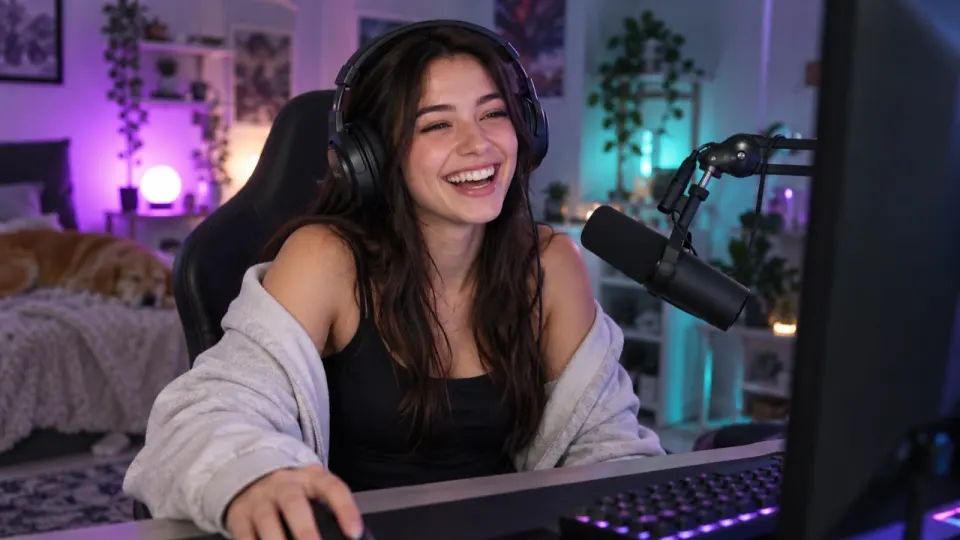
Real result, not edited afterwards. The voice and video are AI-generated. Music: “Dance Like Crazy”, Soft and Furious (CC0).
Get the file from where you posted it
A link to a post can’t be opened here. Upload your own copy, ideally the original from your phone or editor, which sounds best.
- TikTokUse the original from your camera roll. A copy saved from TikTok carries its watermark.Remove music for TikTok
- InstagramUse the original from your camera roll or your editing app.Remove music for Instagram
- This pageYouTubeYouTube Studio, then Content, then the three-dot menu, then Download.
- FacebookUse the original, or Download from the ⋯ menu on your own post.
- XUse the original from your phone or your editor.
- SnapchatOpen Memories, then Export the snap you saved.
Before you post it again
- Pick a song from the app’s own libraryAdd it in the app after you upload the clean version.
- Keep your voice-over at 100Effects too, so the cuts still sound natural.
- Same length, same frameYour edit lines up with your captions and stickers.
- Nothing is posted for youWe never sign in to your account or publish anything.
Remove music from a YouTube Short in three steps
No app to install and no account to connect.
- aimusicremover.comcafe-vlog.mp4 · 412 MBPreparing your video100%01~10 s
Upload the file
Your own copy of the YouTube video: MP4, MOV, WEBM or MKV up to 1.5 GB (200 MB on a phone).
- aimusicremover.comOriginalNo musicVoiceEffectsMusicVoiceEffectsMusic02~20 s
Hear 30 seconds free
Flip between Original and No music, or set your own mix of voice, effects and music.
- aimusicremover.comDownload video (MP4)Audio only All tracks · ZIPcafe-vlog-musiceraser.mp4 · 1080p · 3:4203~1 min
Download the MP4
The same video with the new soundtrack, ready to post on YouTube again.
When it doesn't work well
Five cases where you may still hear a trace, and what to do about each one.
- 1Someone in the video is singingThe singing can stay in the Voice track, because it is a voice.Use Remove vocals instead, or keep Music at 0 and accept a trace.
- 2A live band and a speaker share one micThe music bleeds into the voice; expect a faint trace in loud parts.Tap "Still hear music?" for a free second pass, or leave Music at 15%.
- 3A big, echoey roomChurch or gym echo makes the voice sound thinner after separation.Keep Effects at 100: the room tone lives there.
- 4The music is louder than the voiceQuiet words under loud music can sound slightly muffled.Tap "Still hear music?", then raise Voice to 100 and Effects to 70.
- 5The music is an old, crackly recordingIt can be mistaken for a sound effect, so it stays in the Effects track.Download Voice only, or bring Effects down until the song is gone.
0:15 and 0:20: he pauses, and the old record is still playing. It was mistaken for a sound effect, so it sits in the Effects track. The Voice track is clean here: Voice only is the fix.
Music: “Yes Sir, That’s My Baby”, Gene Austin, 1925 (public domain).
Do you need my YouTube password?
No. We never sign in to YouTube. You upload the file, and you post the clean version yourself.
Will my video get its sound back after a claim?
No. Taking the music out of your copy doesn’t change the post that is already up. Post the clean version again.
Can I paste a link into the Shorts music remover instead of uploading?
Yes, if it links to the file itself: an address ending in .mp4 or .mp3, or a public Dropbox or Google Drive link. A link to a post on an app is a page, not a file, so save your own copy and upload it. The original on your phone or computer works best, because a copy saved back from an app has been squeezed again.
Can I use the Shorts music remover on someone else’s video?
Only on videos you made or have the rights to. Taking the music out does not give you the right to post someone else’s video.
Will the Shorts music remover change the size of my video?
No. You get the same video back, in the same size, length and quality. Only the soundtrack is replaced.
Does the Shorts music remover work on a phone?
Yes, in Safari or Chrome on iPhone and Android, for files up to 200 MB. Nothing to install.
Is the Shorts music remover free?
Yes, you can start free: the first 30 seconds of any file need no sign-up, 3 times a day, and new accounts get 10 free minutes for full files. After that, plans start at $9.99 a month for 200 minutes, or a $9.99 pack of 120 minutes that never expires.
Does the Shorts music remover lift a copyright claim on a video I already posted?
No. Removing the song does not change a claim on a video that is already up, and it does not license anything else in the video. Post the clean version as a new upload, or use the platform’s own tools on the old one.
Post your Short again without the song
30 seconds free without signing up. 10 free minutes when you do.